Conways Game Of Life Using Pygame with Source Code
The Conway's Game of Life is an interactive desktop application built entirely with Python using the Pygame library. The gameplay is simple yet quite ...

Conways Game Of Life Using Pygame with Source Code
The Conway's Game of Life is an interactive desktop application built entirely with Python using the Pygame library. The gameplay is simple yet quite intriguing—you just need to click on a certain part of the grid to generate a cell. The Conway's Game of Life Using Pygame offers immersive visualization of cellular growth based on predefined rules, simulating life-like behavior from a single cell. This project is an excellent opportunity to reinforce essential programming concepts such as event handling, user input management, and game logic, making it a valuable exercise for improving your Python skills. The Conways Game Of Life Using Pygame with Source Code is free to be downloaded just read the content below for more info. This application is for educational purpose only. Conways Game Of Life Using Pygame with Source Code Basic Information
Language used: Python Coding Tool used: Built-in Python IDLE Type: Desktop Application Database used: None
About Conways Game Of Life Conway's Game of Life Using Pygame is a Python-based simulation of the classic cellular automaton created by mathematician John Conway. Built with the Pygame library, this interactive application allows users to generate and observe the evolution of cell patterns on a grid. By clicking on the grid, users can create initial live cells, which then evolve over time based on simple rules involving neighboring cells. The game visually demonstrates complex behavior emerging from simple rules, making it both educational and engaging for exploring concepts in mathematics, programming, and artificial life. Conways Game Of Life Using Pygame with Source Code Features
Interactive Grid System
Click to toggle cells (alive or dead) before starting the simulation. Grid-based layout that updates in real-time based on logic rules.
Classic Game Rules Implementation
Survival: A live cell with 2 or 3 neighbors stays alive. Death: A live cell with fewer than 2 or more than 3 neighbors dies. Birth: A dead cell with exactly 3 neighbors becomes alive.
Start, Pause, and Reset Controls
Start and pause the simulation to observe patterns. Clear the board or restart to try different configurations.
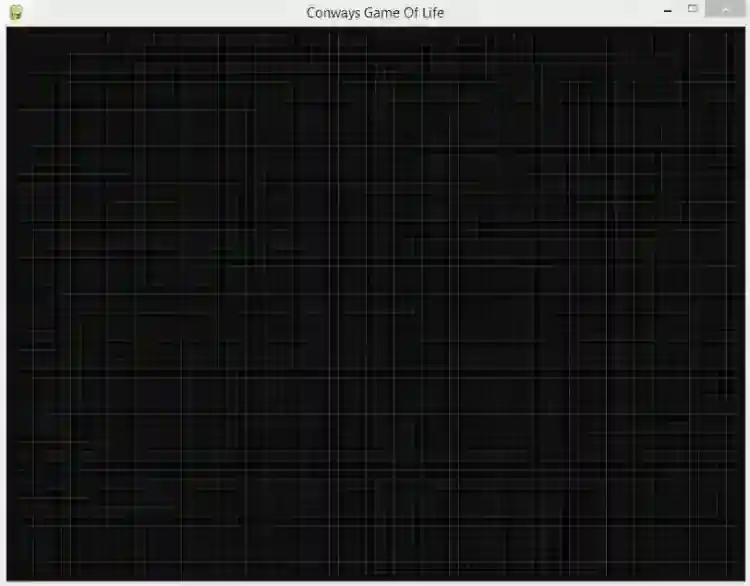
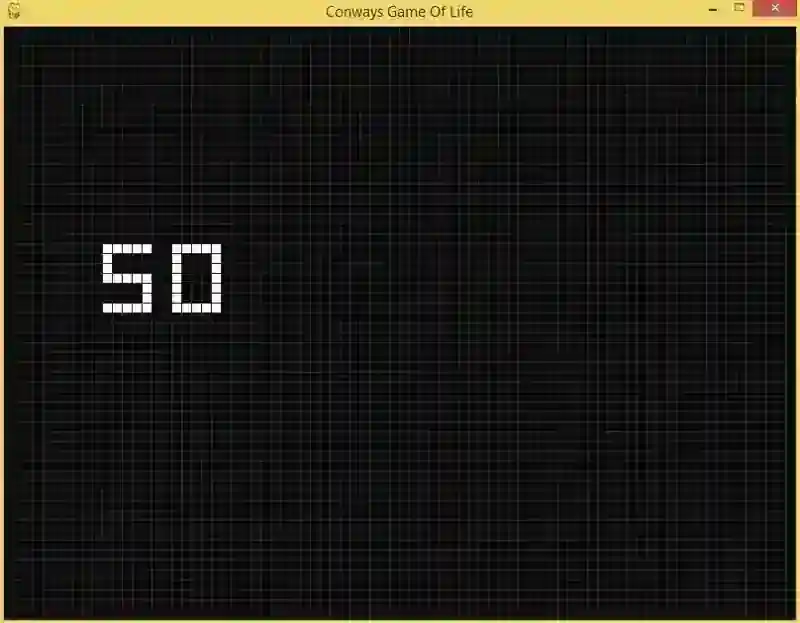
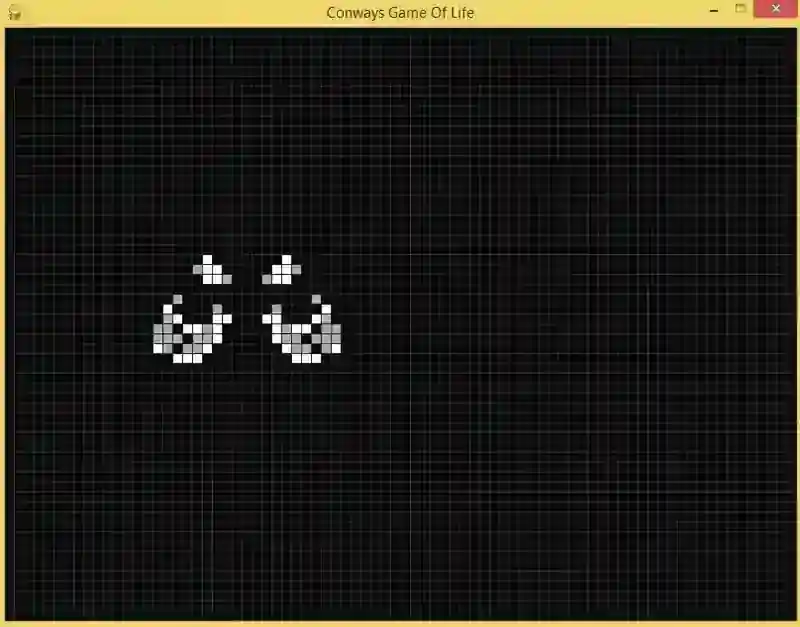
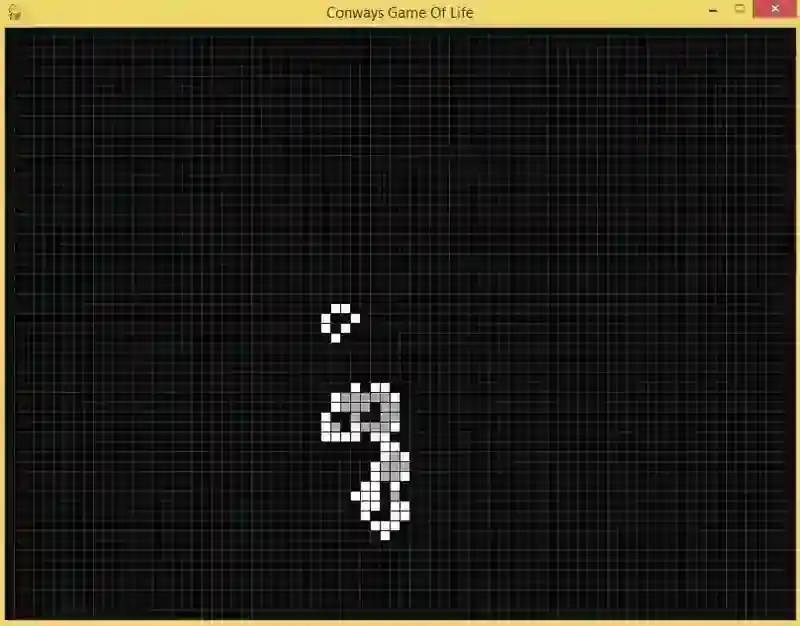
Sample Application Screenshot:
Conways Game Of Life Using Pygame with Source Code Installation Guide
First you need to download & install the Python IDLE's, here's the link "https://www.python.org/downloads/". Download the source code in this site. Locate and Extract the zip file. Open the extracted folder Locate the py file. Then open the file via python IDLE or any IDE that supports python language. Run the py file to launch the program.
That's all, The Conways Game Of Life Using Pygame with Source Code was created fully functional using JavaScript language. I hope that this project can help you to what you are looking for. For more projects and tutorials please kindly visit this site. Enjoy Coding! The Conways Game Of Life is ready to be downloaded just kindly click the download button below. Related Projects & Tutorials Conways Game Of Life
Screenshots
Download Project
