Dodgy Wall Game Using Pygame in Python with Source Code
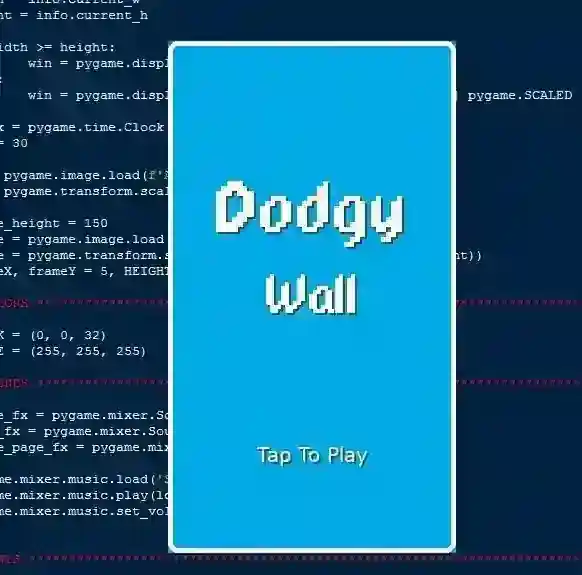
The Dodgy Wall Game is an interactive desktop application built entirely with Python using the Pygame library. The gameplay is simple yet challenging—...
Dodgy Wall Game Using Pygame in Python with Source Code
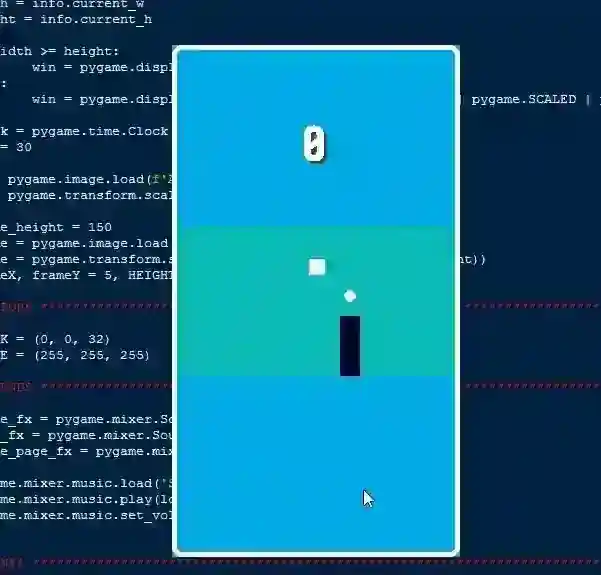
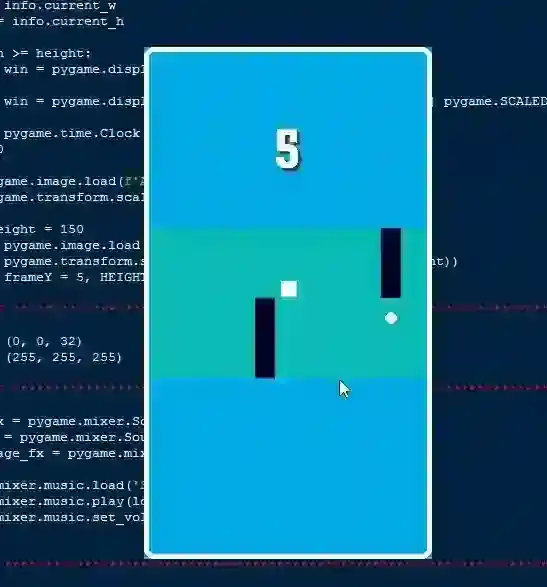
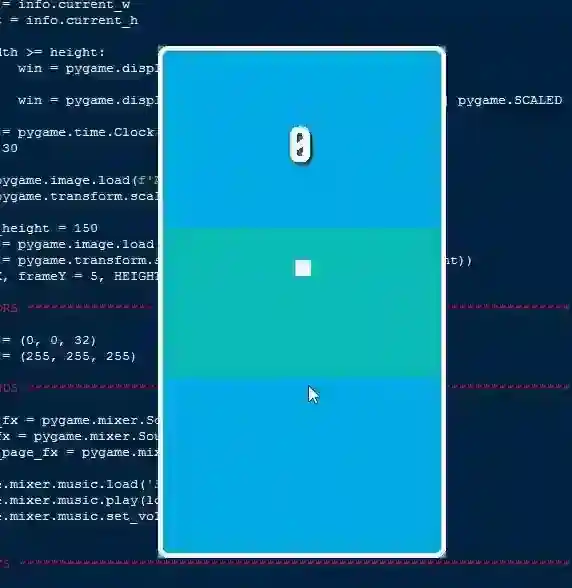
The Dodgy Wall Game is an interactive desktop application built entirely with Python using the Pygame library. The gameplay is simple yet challenging—you control the object by pressing the Left Mouse Button to change direction. The Dodgy Wall Game features straightforward mechanics where players must avoid colliding with obstacles while aiming to collect the white ball object to score points. If you hit an obstacle, the game restarts. This project offers an excellent opportunity to reinforce essential programming concepts, making it a valuable exercise for improving your Python skills in game development. The Dodgy Wall Game Using Pygame in Python with Source Code is free to be downloaded just read the content below for more info. This application is for educational purpose only. Dodgy Wall Game Using Pygame in Python with Source Code Basic Information
Language used: Python Coding Tool used: Built-in Python IDLE Type: Desktop Application Database used: None
About Dodgy Wall Game The Dodgy Wall Game using Pygame is an engaging and fast-paced arcade challenge where players must guide a character or object through a series of moving walls that have narrow gaps. The objective is to skillfully dodge these obstacles, avoid collisions, and survive for as long as possible while earning points with each successful pass. As the game progresses, the speed and frequency of the walls increase, testing the player’s reflexes and timing. Developed using Python’s Pygame library, it offers smooth animations, intuitive controls, and a visually appealing interface. Its simple yet addictive gameplay loop makes it a perfect example of how a straightforward concept can deliver hours of entertainment while also serving as a great learning project for those exploring game development. Dodgy Wall Game Using Pygame in Python with Source Code Features
Simple yet Addictive Gameplay
Player controls a character or object that must avoid moving walls. Objective is to survive as long as possible without colliding. Fast-paced action that gets more intense over time.
Dynamic Obstacle System
Walls appear with varying gaps for the player to pass through. Randomized wall positions to keep gameplay unpredictable.. Increasing wall speed for greater difficulty.
Player Controls
Smooth keyboard controls for moving up, down, left, or right. Responsive input to help dodge tight spaces.
Difficulty Scaling
Gradual increase in wall speed and spawn frequency. Encourages skill improvement and reflex training.
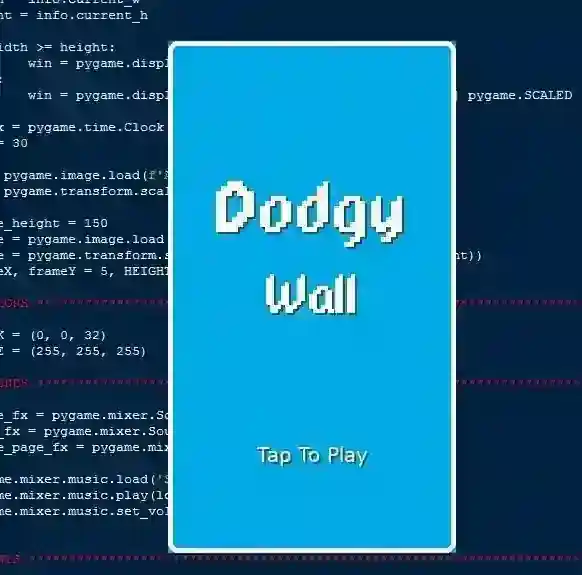
Sample Application Screenshot:
Dodgy Wall Game Using Pygame in Python with Source Code Installation Guide
First you need to download & install the Python IDLE's, here's the link "https://www.python.org/downloads/". Download the source code in this site. Locate and Extract the zip file. Open the extracted folder Locate the py file. Then open the file via python IDLE or any IDE that supports python language. Run the py file to launch the program.
That's all, The Dodgy Wall Game was created fully functional using JavaScript language. I hope that this project can help you to what you are looking for. For more projects and tutorials please kindly visit this site. Enjoy Coding! The Dodgy Wall Game Using Pygame in Python with Source Code is ready to be downloaded just kindly click the download button below. Related Projects & Tutorials Dodgy Wall Game
Screenshots
Download Project
