Guess a Color Game Using Tkinter in Python with Source Code
The Guess a Color Game is an interactive desktop application built entirely with Python using the Tkinter library. The gameplay is simple: your goal i...
Guess a Color Game Using Tkinter in Python with Source Code
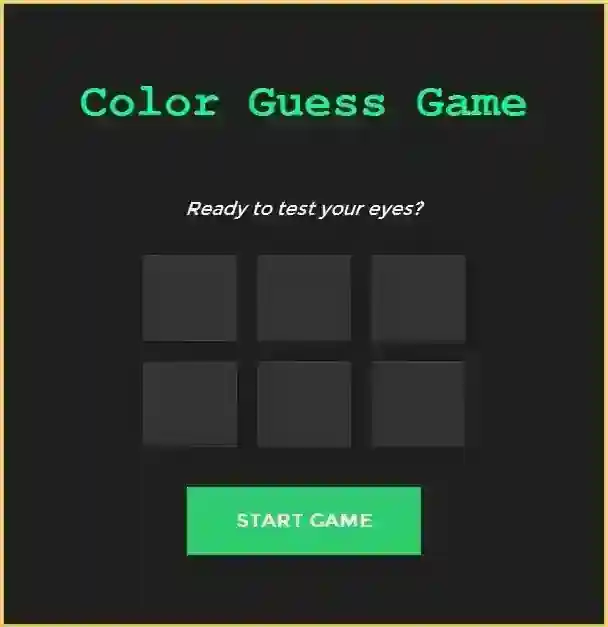
The Guess a Color Game is an interactive desktop application built entirely with Python using the Tkinter library. The gameplay is simple: your goal is to guess the correct color based on the given RGB code and the provided choices. The Guess a Color Game Using Tkinter features straightforward mechanics—each incorrect guess deducts a life, and there is a time limit for making a selection; if the timer reaches zero, you lose one life. This project is an excellent opportunity to reinforce essential programming concepts, making it a valuable exercise for improving your Python skills in game development. The Guess a Color Game Using Tkinter in Python with Source Code is free to be downloaded just read the content below for more info. This application is for educational purpose only. Guess a Color Game Using Tkinter in Python with Source Code Basic Information
Language used: Python Coding Tool used: Built-in Python IDLE Type: Desktop Application Database used: None
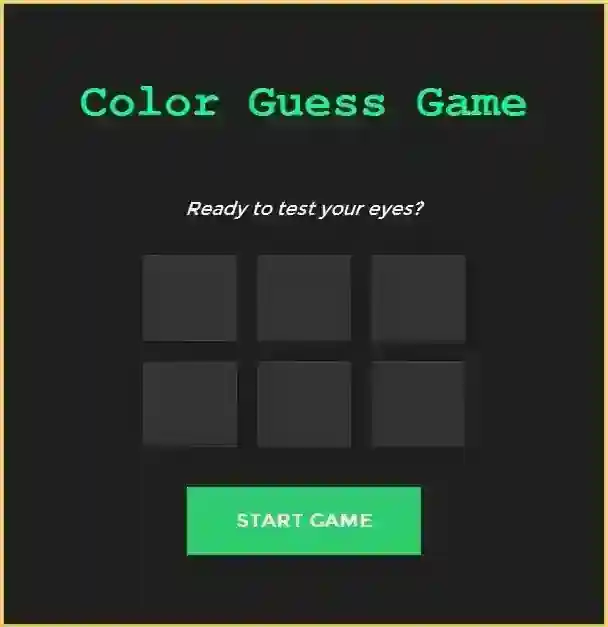
About Guess a Color Game The Guess a Color Game Using Tkinter is an engaging desktop application developed in Python using the Tkinter library. In this game, players are challenged to guess a randomly selected color from a set of options. The interface is intuitive and visually appealing, allowing users to interact seamlessly with buttons, text input, and color displays. The game provides instant feedback on each guess, helping players learn and recognize colors more effectively while keeping the experience fun and interactive. This project is an excellent way to practice Python programming, GUI development with Tkinter, and event-driven programming concepts, making it both educational and entertaining. Guess a Color Game Using Tkinter in Python with Source Code Features
Graphical User Interface (GUI)
Developed with Python’s Tkinter library. Clean and interactive layout for easy gameplay. Color selection buttons or boxes for multiple choice. Labels to display messages, hints, and game status.
Gameplay Mechanics
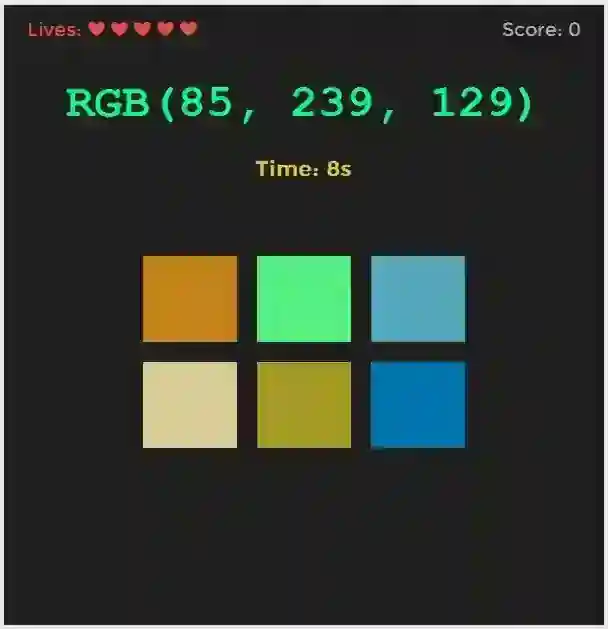
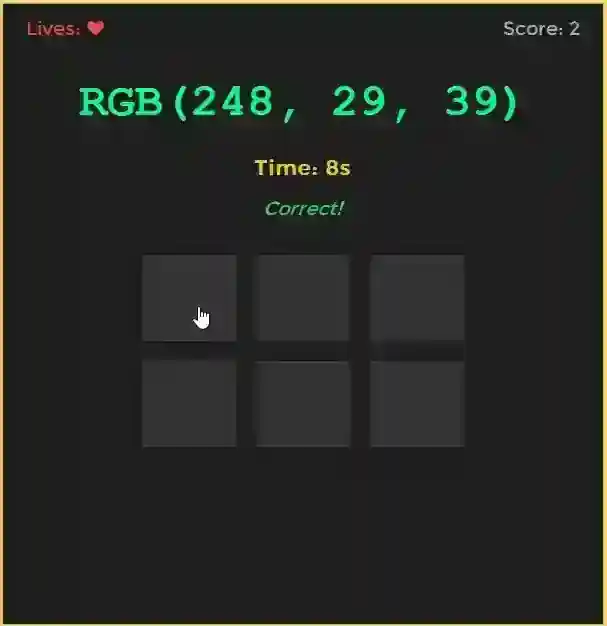
Players guess the color based on a given RGB code. Selects the correct color from a pool of options. Provides 5 lives at the start of each game. Deducts a life for incorrect guesses or if timer runs out.
Timer Functionality
Countdown timer displayed for each color selection. When timer reaches zero, the players lives will deduct by 1 Encourages quick thinking and adds urgency to gameplay.
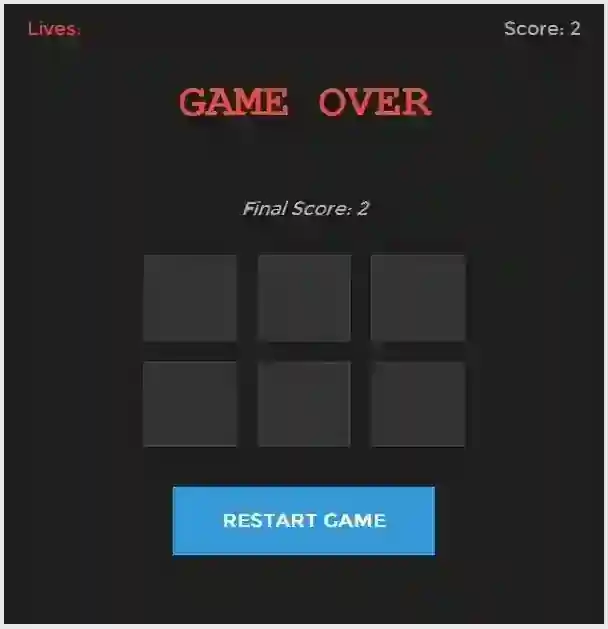
Sample Application Screenshot:
Guess a Color Game Using Tkinter in Python with Source Code Installation Guide
First you need to download & install the Python IDLE's, here's the link "https://www.python.org/downloads/". Download the source code in this site. Locate and Extract the zip file. Open the extracted folder Locate the py file. Then open the file via python IDLE or any IDE that supports python language. Run the py file to launch the program.
That's all, The Guess a Color Game was created fully functional using JavaScript language. I hope that this project can help you to what you are looking for. For more projects and tutorials please kindly visit this site. Enjoy Coding! The Guess a Color Game Using Tkinter in Python with Source Code is ready to be downloaded just kindly click the download button below. Related Projects & Tutorials Guess a Color Game
Screenshots
Download Project
