Image Filtering App Using Tkinter in Python with Source Code
The Image Filtering App is an interactive desktop application built entirely with Python using the Tkinter library. The application is simple yet effe...
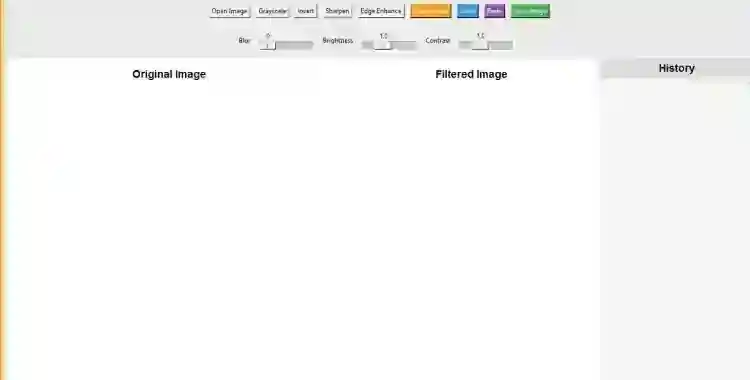
Image Filtering App Using Tkinter in Python with Source Code
The Image Filtering App is an interactive desktop application built entirely with Python using the Tkinter library. The application is simple yet effective, allowing you to filter any image you upload with several useful options. The Image Filtering App Using Tkinter features a tool that can apply filters to images, similar to basic photo editing applications. This project is an excellent way to practice and reinforce essential programming concepts, making it a valuable exercise for enhancing your Python skills in application development. The Image Filtering App Using Tkinter in Python with Source Code is free to be downloaded just read the content below for more info. This application is for educational purpose only. Image Filtering App Using Tkinter in Python with Source Code Basic Information
Language used: Python Coding Tool used: Built-in Python IDLE Type: Desktop Application Database used: None
About Image Filtering App The Image Filtering App using Tkinter in Python is a beginner-friendly desktop application that allows users to upload and enhance their images with different filter effects. Developed using the Tkinter library for the graphical user interface and the Pillow (PIL) library for image processing, the app provides a simple and interactive way to experiment with photo editing. Users can apply filters such as grayscale, blur, sharpen, brightness adjustment, and more, making it a lightweight yet practical tool for basic image manipulation. This project is an excellent way to learn and practice Python programming concepts, especially in GUI development, file handling, and working with images. It not only improves coding skills but also helps in understanding how real-world applications like photo editors function. Image Filtering App Using Tkinter in Python with Source Code Features
User Interface (UI)
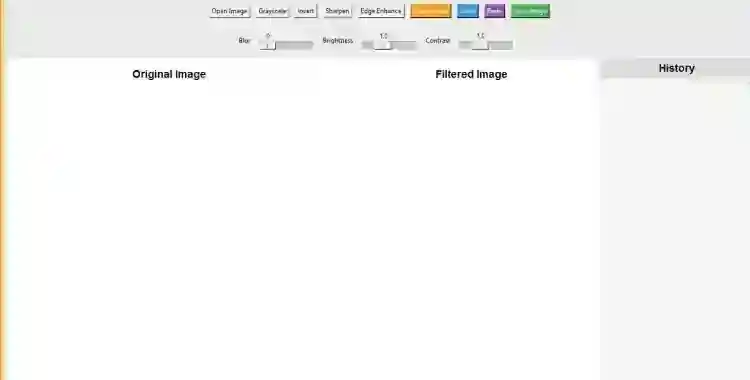
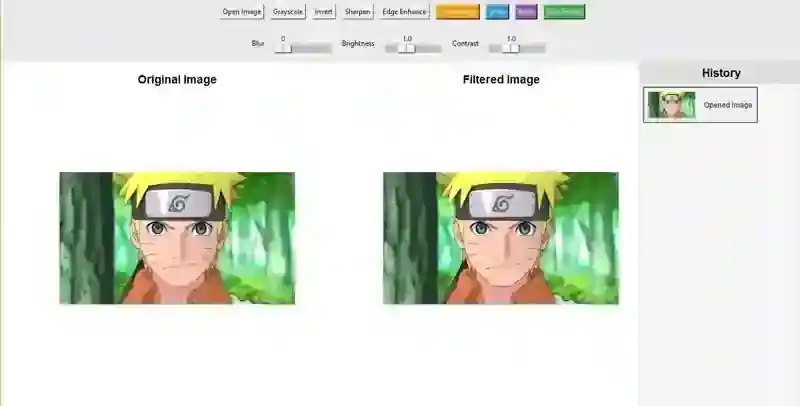
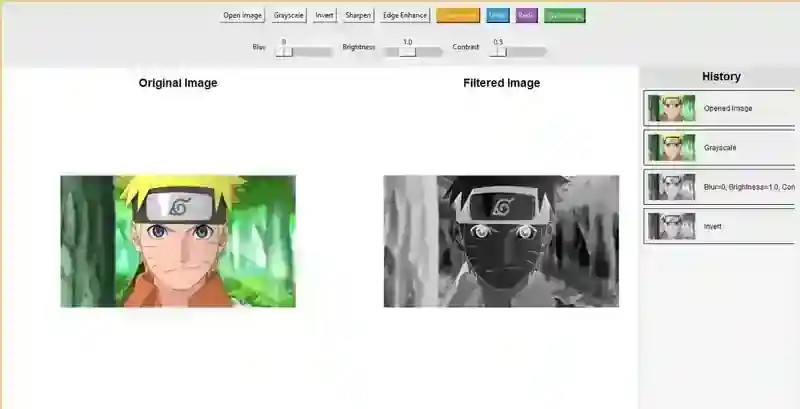
Built with Tkinter for a simple and user-friendly GUI. Menu bar or buttons for loading, filtering, and saving images. Image preview area to display the original and filtered versions. Responsive layout that adjusts window size to image dimensions.
Image Handling
Supports common formats such as JPG, PNG, and GIF. Option to load images from the file system. Ability to reset to the original image at any time. Save filtered images with a new filename.
Filtering Features
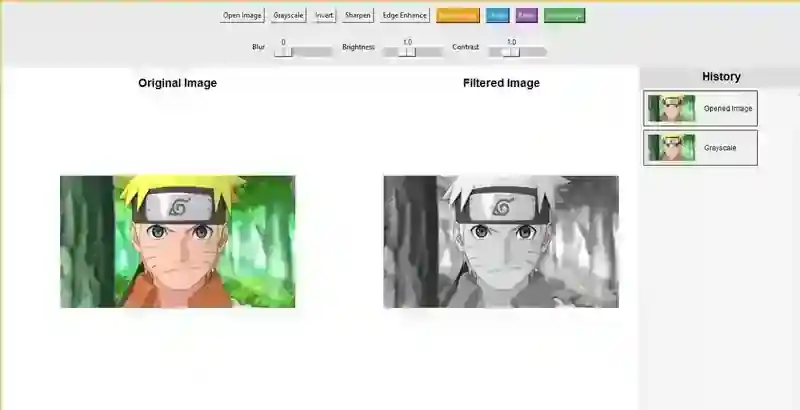
Grayscale conversion for black-and-white images. Sepia effect for vintage-style photos. Negative filter for color inversion. Brightness and contrast adjustment sliders. Blur and sharpen filters for enhancing details.
Interactivity
Real-time filter application when a button or slider is used. Undo/redo options for quick editing. User-friendly controls with labels and tooltips. Simple navigation between multiple filters.
Sample Application Screenshot:
Image Filtering App Using Tkinter in Python with Source Code Installation Guide
First you need to download & install the Python IDLE's, here's the link "https://www.python.org/downloads/". Download the source code in this site. Locate and Extract the zip file. Open the extracted folder Locate the py file. Then open the file via python IDLE or any IDE that supports python language. Run the py file to launch the program.
That's all, The Image Filtering App was created fully functional using JavaScript language. I hope that this project can help you to what you are looking for. For more projects and tutorials please kindly visit this site. Enjoy Coding! The Image Filtering App Using Tkinter in Python with Source Code is ready to be downloaded just kindly click the download button below. Related Projects & Tutorials Image Filtering App
Screenshots
Download Project
