Missile Command Game Using Pygame in Python with Source Code
The Missile Command Game is an interactive desktop application built entirely with Python using the Pygame library. The gameplay is simple, mirroring ...
Missile Command Game Using Pygame in Python with Source Code
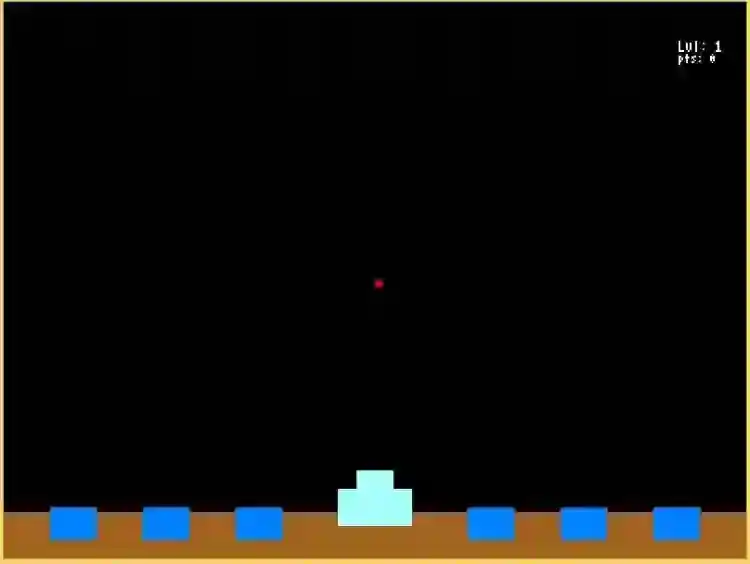
The Missile Command Game is an interactive desktop application built entirely with Python using the Pygame library. The gameplay is simple, mirroring the mechanics of the original Missile Command from Atari. The Missile Command Game Using Pygame features straightforward gameplay: the player must protect their colony against incoming missiles. The player can launch missiles to intercept enemy missiles using the spacebar and move the target using the arrow keys. This project offers an excellent opportunity to reinforce essential programming concepts, making it a valuable exercise for improving your Python skills in game development. The Missile Command Game Using Pygame in Python with Source Code is free to be downloaded just read the content below for more info. This application is for educational purpose only. Missile Command Game Using Pygame in Python with Source Code Basic Information
Language used: Python Coding Tool used: Built-in Python IDLE Type: Desktop Application Database used: None
About Missile Command Game The Missile Command Game Using Pygame is a retro-inspired arcade game developed in Python using the Pygame library, where players are tasked with protecting cities from waves of incoming enemy missiles. The player controls defensive missile launchers and must accurately target and destroy enemy missiles before they strike the ground and destroy vital structures. As the game progresses, the speed and number of enemy missiles increase, making the gameplay more challenging and engaging. The project demonstrates essential game development concepts such as real-time rendering, collision detection, score tracking, and event handling, along with simple animations and sound effects. This game is an excellent hands-on project for practicing Pygame fundamentals, improving logical thinking, and understanding how classic arcade mechanics can be implemented using modern programming tools. Missile Command Game Using Pygame in Python with Source Code Features
Classic Arcade Gameplay
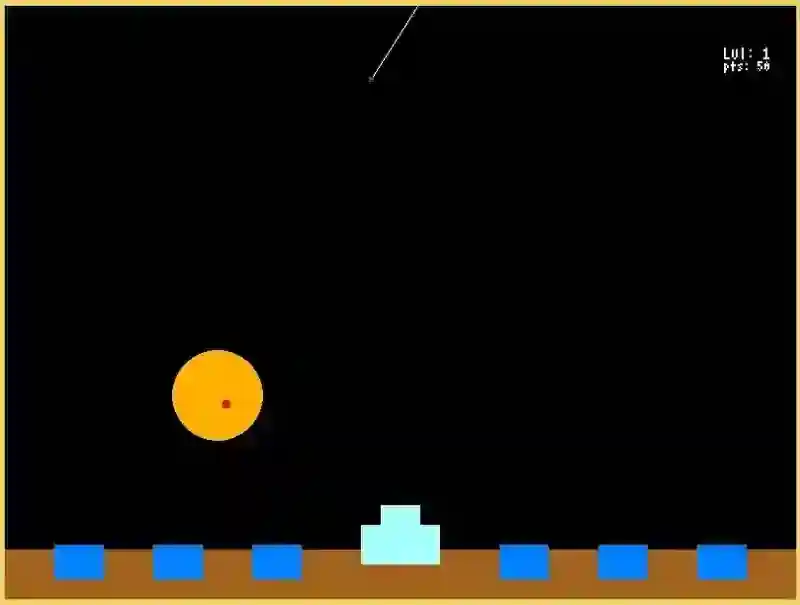
Player defends cities from incoming missiles. Objective is to shoot down enemy missiles before they hit the cities. Inspired by the original Missile Command arcade game.
Player Controls
Mouse or keyboard to aim and fire missiles. Ability to launch multiple defensive missiles simultaneously. Responsive and intuitive control scheme for fast gameplay.
Enemy Missile Mechanics
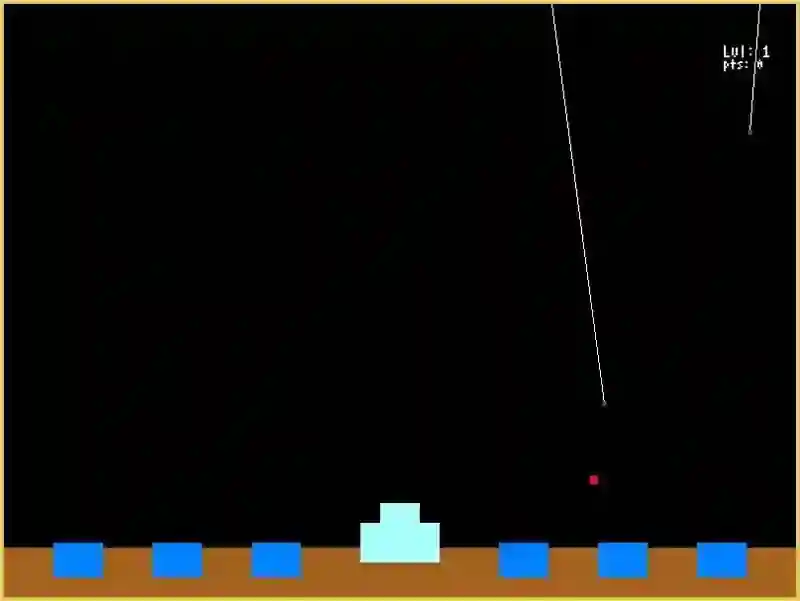
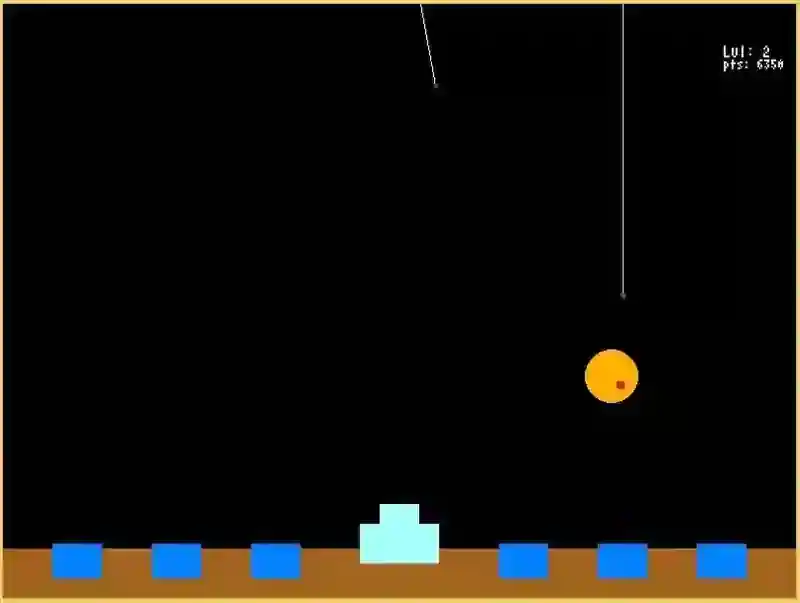
Missiles descend from the top of the screen toward cities. Speed and frequency increase with higher levels. Varied missile trajectories for added challenge.
City Management
Multiple cities that need to be protected. Cities are destroyed if hit by enemy missiles. Game ends when all cities are destroyed.
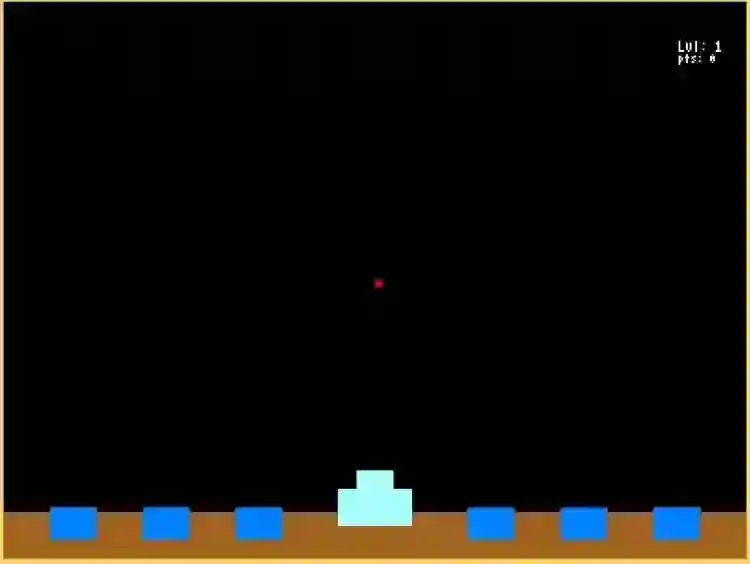
Sample Application Screenshot:
Missile Command Game Using Pygame in Python with Source Code Installation Guide
First you need to download & install the Python IDLE's, here's the link "https://www.python.org/downloads/". Download the source code in this site. Locate and Extract the zip file. Open the extracted folder Locate the py file. Then open the file via python IDLE or any IDE that supports python language. Run the py file to launch the program.
That's all, The Missile Command Game was created fully functional using JavaScript language. I hope that this project can help you to what you are looking for. For more projects and tutorials please kindly visit this site. Enjoy Coding! The Missile Command Game Using Pygame in Python with Source Code is ready to be downloaded just kindly click the download button below. Related Projects & Tutorials Missile Command Game
Screenshots
Download Project
