RPS Game using Tkinter in Python with Source Code
RPS Game using Tkinter is an application coded in the Python programming language. The project uses the tkinter library to display the GUI of the game...

RPS Game using Tkinter in Python with Source Code
RPS Game using Tkinter is an application coded in the Python programming language. The project uses the tkinter library to display the GUI of the game application. The game mechanics involve selecting a symbol to beat your opponent. RPS Game using Tkinter in Python is a game based on random chance, where you win through simple luck. This RPS Game using Tkinter can introduce new coding techniques for creating game apps using tkinter in the Python programming language. The RPS Game using Tkinter in Python with Source Code is free to be downloaded just read the content below for more info. This application is for educational purpose only. RPS Game using Tkinter in Python with Source Code Basic Information
Language used: Python Coding Tool used: Built-in Python IDLE Type: Desktop Application Database used: none
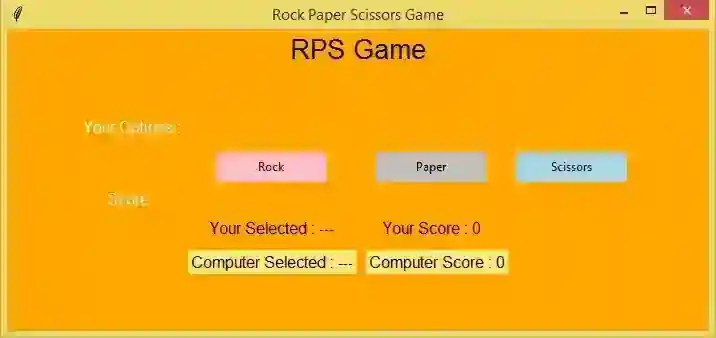
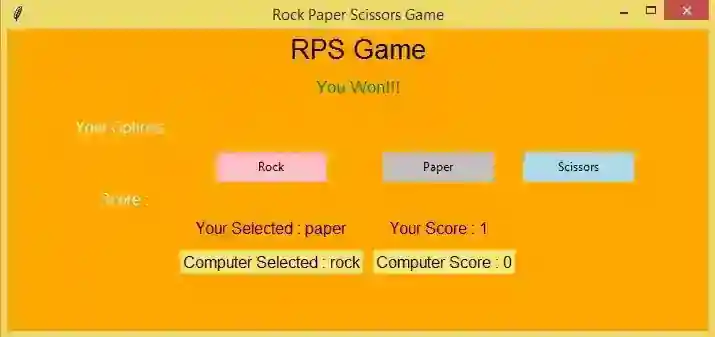
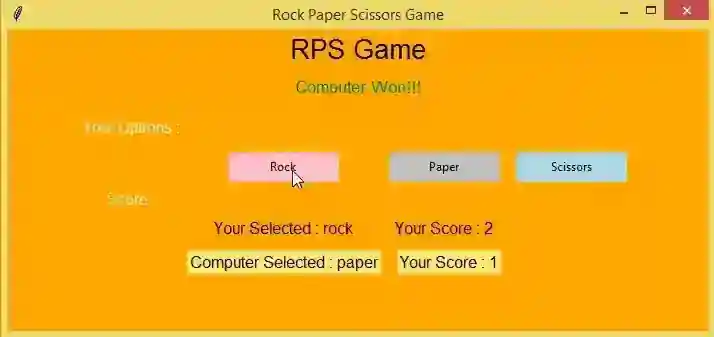
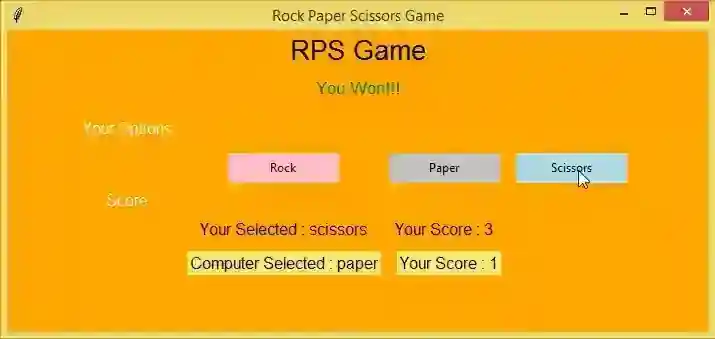
About RPS Game RPS Game was created using only the Python programming language. This application is user-friendly and can easily adapt to your needs. The gameplay is very simple and based more on random chance, where your luck determines the outcome. The player must select one of the choices, and the computer AI will also make its selection after you choose. The game will decide the winner based on the choices (rock beats scissors, scissors beat paper, paper beats rock). You'll earn a score if your choice beats the computer AI's choice.
RPS Game using Tkinter in Python with Source Code Features
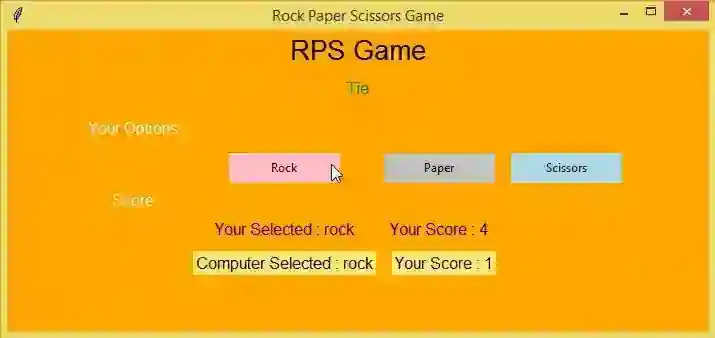
Basic GUI The project contains basic GUI that display the actual image of the application.
Basic Functions This project contains basic functions that made the application work as it is intended.
User-friendly Interface This project was design in a simple user-friendly interface web application so that your easily modified .
Sample Application Screenshots:
RPS Game using Tkinter in Python with Source Code Installation Guide
First you need to download & install the Python IDLE's, here's the link "https://www.python.org/downloads/". Download the source code in this site. Locate and Extract the zip file. Open the extracted folder Locate the py file. Then open the file via python IDLE or any IDE that supports python language. Run the py file to launch the program.
That's all, The RPS Game using Tkinter that created using Python language. I hope that this project can help you to what you are looking for. For more projects and tutorials please kindly visit this site. Enjoy Coding! The RPS Game using Tkinter in Python with Source Code is ready to be downloaded just kindly click the download button below. Related Projects & Tutorials RPS Game
Screenshots
Download Project
