Enrollment System Using VB.Net and MS Access Database with Source Code
Enrollment system made easy! This system aims to minimize the effort and stressful time of everyone during enrolment process. This is a user-friendly system, so it is easy for everyone to use the syst...
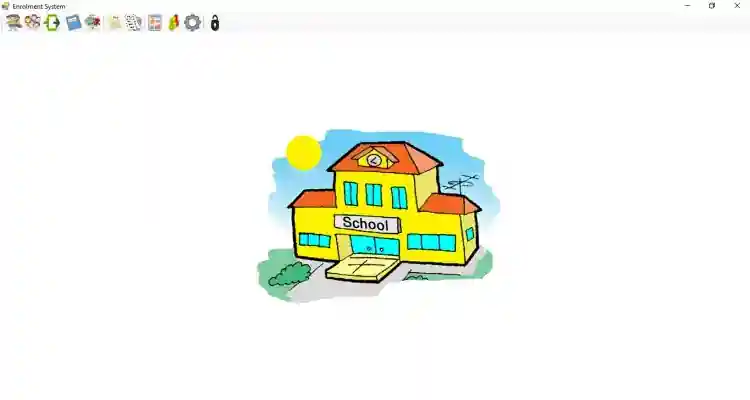
Enrollment System Using VB.Net and MS Access Database with Source Code
Enrollment system made easy! This system aims to minimize the effort and stressful time of everyone during enrolment process. This is a user-friendly system, so it is easy for everyone to use the system most especially its functionality. There will be no more manual enrolment transaction that took a lot of time of work because this computerized enrolment system is way better that it can help save time, money and alleviate stress. This system is made of Microsoft Visual Studio 2015 and MS Access Database.
These are the following features of the system.
Student
Adding new Student
Search for Records
Update Student Information
List of Students
Change Status
Subject
Add Subject at every year level
Search Subject at every year level
Student Subjects
Grades
Adding Grades to the Student Subjects
List of Students with Grades
Report
Print Students by Year
Print Transferees students
Print Failed students
Print Drop Students
Manage Users Settings
Add Year
Add School Year
Add Subjects
Feel free to download the source code and modify in the way you wanted. The source code has 2 versions, 1 is the original version system developed using Microsft Visual Studio 2015 and the other is version that is upgraded so the project could run as it is using Microsoft Visual Studio 2019. Follow the instructions below on how to run the project
How to Run
Requirements
Download and Install Microsoft Visual Studio 2015 or 2019.
Microsoft Visual Studio
Download and Install Microsft Office or Microsoft Access Database Engine
Download and Install Crystal Reports
Run the Project
Download and Extract the zip file.(download button is located below)
Locate the "EnrollmentSystemII.sln" file in the extracted file.
Open the solution or ".sln" file with your Microsft Visual Studio Software.
Press "F5" key on your keyboard to run the project
Access this system using the following account:
Username : janobe
Password : admin
For more information about the system. You can contact me @
Email – [email protected]
Mobile No. – 09305235027 – TNT
FB Account – https://www.facebook.com/onnaj.soicalap
or feel free to comment below
Screenshots

Download Project
