Class Scheduling System Using Tkinter and SQLite in Python with Source Code
The Class Scheduling System is an interactive desktop application built entirely with Python using the Tkinter library. The application is simple and ...
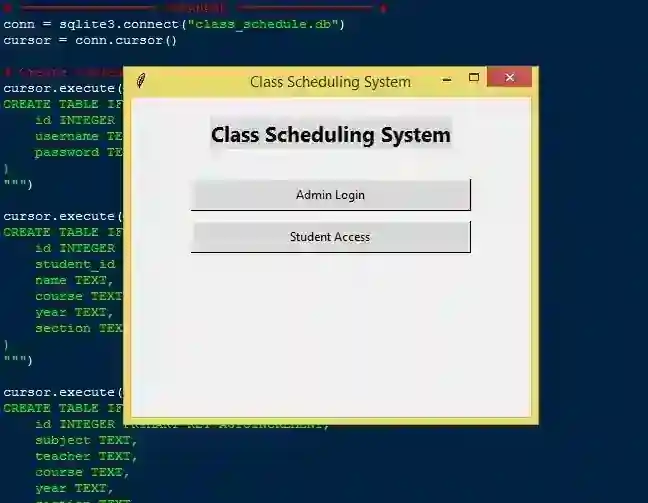
Class Scheduling System Using Tkinter and SQLite in Python with Source Code
The Class Scheduling System is an interactive desktop application built entirely with Python using the Tkinter library. The application is simple and allows users to manage student schedules efficiently. The Class Scheduling System Using Tkinter and SQLite includes tools that let you create, track, and monitor class schedules. This project is an excellent way to practice and reinforce essential programming concepts, making it a valuable exercise for enhancing your Python skills in application development. The Class Scheduling System Using Tkinter and SQLite in Python with Source Code is free to be downloaded just read the content below for more info. This application is for educational purpose only. Class Scheduling System Using Tkinter and SQLite in Python with Source Code Basic Information
Language used: Python Coding Tool used: Built-in Python IDLE Type: Desktop Application Database used: None
About Class Scheduling System The Class Scheduling System is a comprehensive desktop application developed using Tkinter for an intuitive graphical user interface and SQLite as the backend database for secure and efficient data storage. This system allows administrators to seamlessly manage class schedules by adding, updating, or deleting courses, assigning instructors, and organizing timetables by day, time, course, year, and section. Students can conveniently view their schedules simply by entering their student ID, without the need for a username or password, making it easy to stay informed about their classes. By centralizing schedule management, the system minimizes conflicts, improves organization, and enhances overall efficiency for both staff and students. Its user-friendly interface and robust database integration make it a practical tool for educational institutions aiming to streamline academic scheduling. Class Scheduling System Using Tkinter and SQLite in Python with Source Code Features
User-Friendly GUI Interface
Built using Tkinter for a clean and interactive layout. Dashboard for admin and student views. Clear display of daily schedules, courses, and class details.
Admin Features
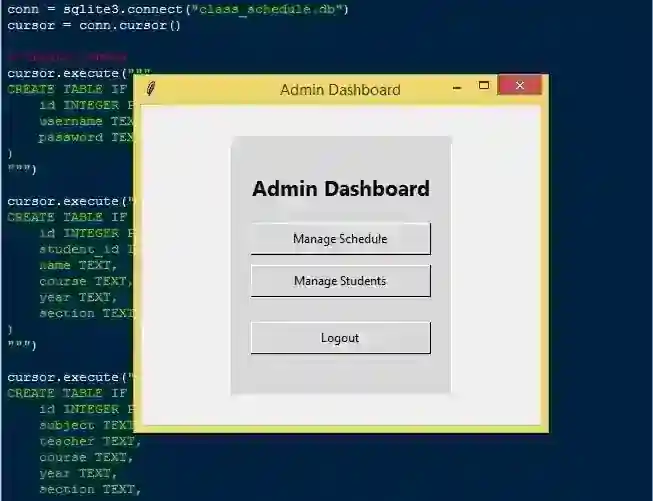
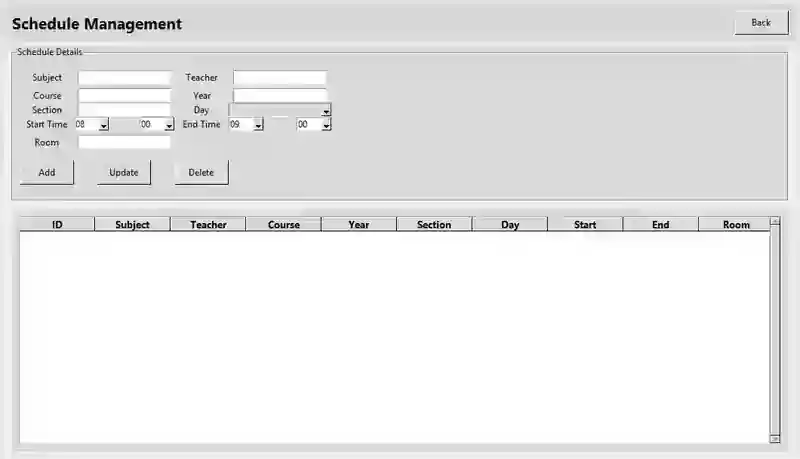
Add, edit, and delete classes in the schedule. Assign courses, instructors, room numbers, and time slots. Manage student records and view their schedules.
Student Features
Students can view their schedule using student ID. Read-only access ensures students cannot modify schedules. Clear display of courses, timings, and instructors.
Database Management with SQLite
Stores all student data, class schedules, and courses. Provides persistent storage with easy retrieval and updates. Ensures data integrity and secure management.
Sample Application Screenshot:
Class Scheduling System Using Tkinter and SQLite in Python with Source Code Installation Guide
First you need to download & install the Python IDLE's, here's the link "https://www.python.org/downloads/". Download the source code in this site. Locate and Extract the zip file. Open the extracted folder Locate the py file. Then open the file via python IDLE or any IDE that supports python language. Run the py file to launch the program.
That's all, The Class Scheduling System was created fully functional using Python language. I hope that this project can help you to what you are looking for. For more projects and tutorials please kindly visit this site. Enjoy Coding! The Class Scheduling System Using Tkinter and SQLite in Python with Source Code is ready to be downloaded just kindly click the download button below. Related Projects & Tutorials Class Scheduling System
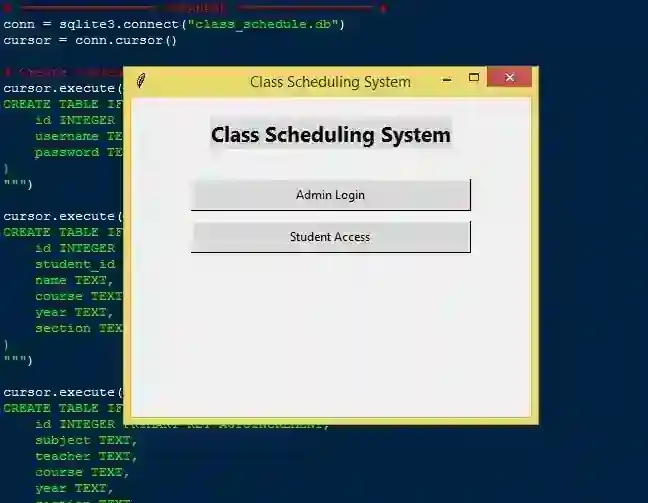
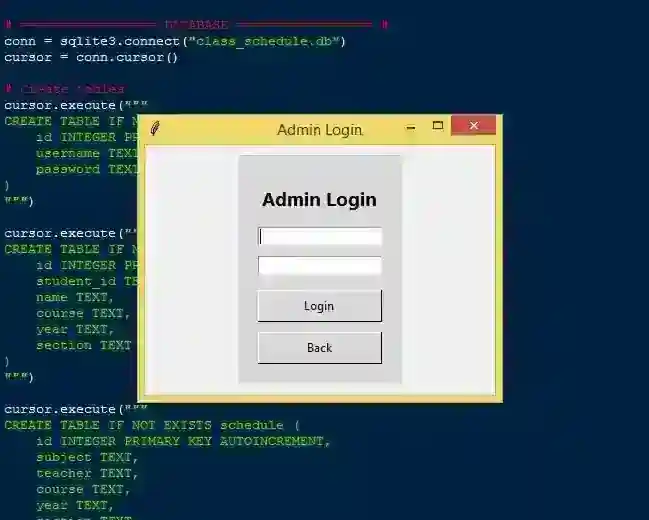
Screenshots
Download Project
