CSV to JSON Converter App Using Tkinter in Python with Source Code
The CSV to JSON Converter App is an interactive desktop application built entirely with Python using the Tkinter library. The application is highly us...
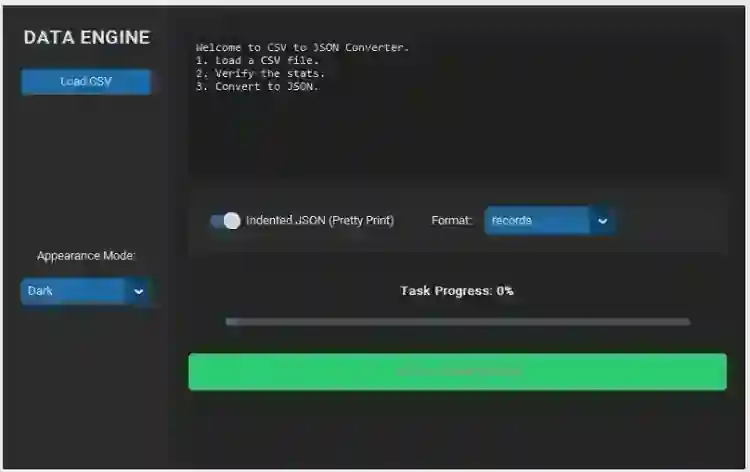
CSV to JSON Converter App Using Tkinter in Python with Source Code
The CSV to JSON Converter App is an interactive desktop application built entirely with Python using the Tkinter library. The application is highly useful, allowing users to convert CSV files into JSON format. The CSV to JSON Converter App Using Tkinter features straightforward functionality for converting CSV files quickly and efficiently. This project is an excellent opportunity to reinforce essential programming concepts, making it a valuable exercise for improving your Python skills in application development. The CSV to JSON Converter App Using Tkinter in Python with Source Code is free to be downloaded just read the content below for more info. This application is for educational purpose only. CSV to JSON Converter App Using Tkinter in Python with Source Code Basic Information
Language used: Python Coding Tool used: Built-in Python IDLE Type: Desktop Application Database used: None
About CSV to JSON Converter App The CSV to JSON Converter App is a useful and interactive desktop application developed using Python and the Tkinter library. The main purpose of this application is to help users quickly convert CSV (Comma-Separated Values) files into JSON (JavaScript Object Notation) format through a simple and user-friendly graphical interface. Instead of manually editing or restructuring data, users can easily select a CSV file, process the conversion, and save the generated JSON file with only a few clicks. The application is designed to make data transformation easier, especially for developers, students, and anyone working with structured data. This project demonstrates important Python programming concepts such as file handling, data parsing, JSON formatting, and GUI development using Tkinter. It also provides an excellent learning experience for beginners who want to understand how different data formats work and how they are commonly used in web applications, APIs, and databases. The interface is lightweight, responsive, and easy to navigate, making the conversion process simple even for users with limited technical knowledge. By building this project, programmers can strengthen their problem-solving skills and gain practical experience in creating real-world Python desktop applications. CSV to JSON Converter App Using Tkinter in Python with Source Code Features
Graphical User Interface (GUI)
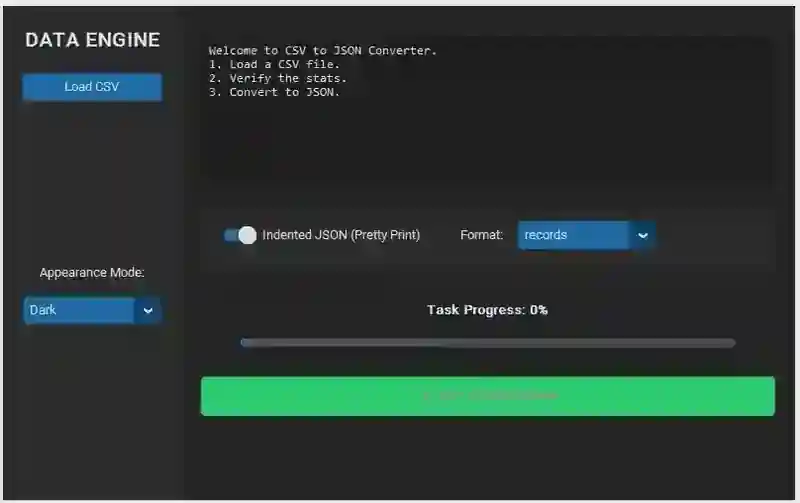
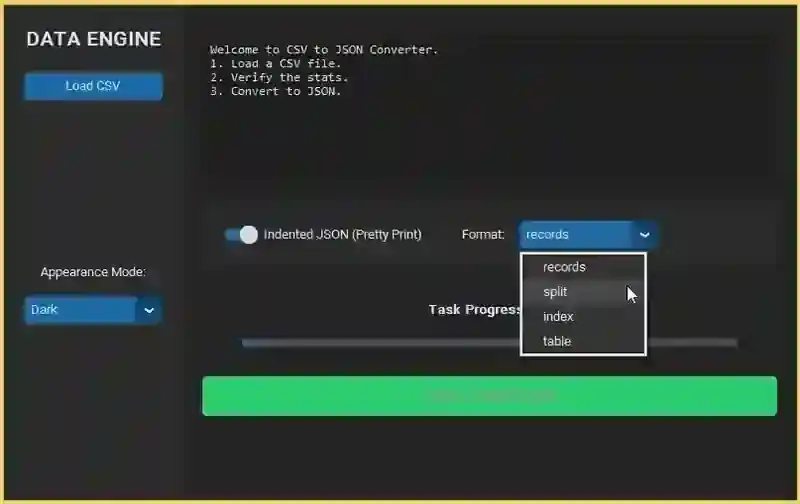
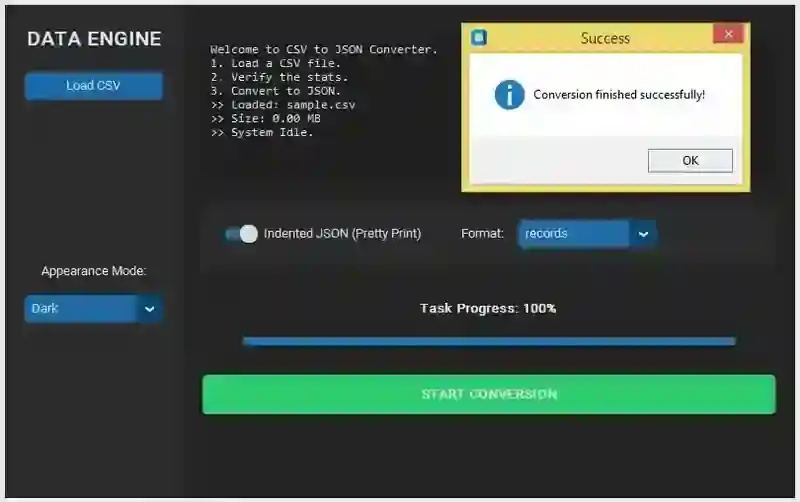
Built using Python’s Tkinter library. Simple and clean layout for file conversion tasks. Buttons for file upload, conversion, and saving output. Text area or preview panel for displaying data.
CSV File Import Functionality
Allows users to upload .csv files from local storage.
Supports standard CSV formats with headers.
Reads and displays CSV content inside the app.
CSV to JSON Conversion
Converts CSV data into structured JSON format. Automatically uses CSV headers as JSON keys. Ensures proper formatting and nesting of data.
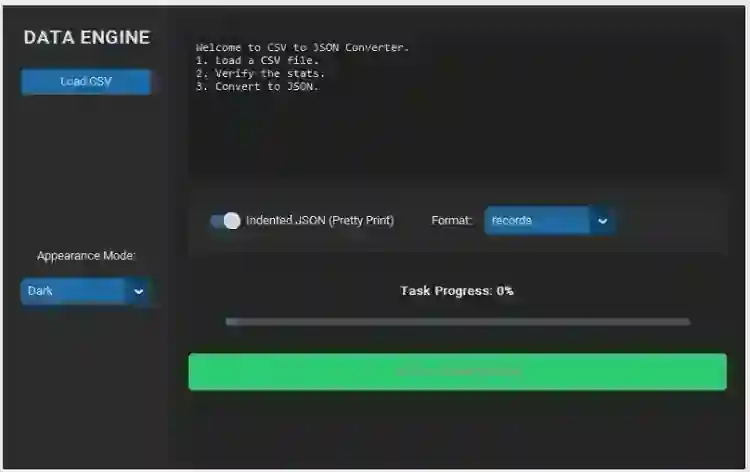
Sample Application Screenshot:
CSV to JSON Converter App Using Tkinter in Python with Source Code Installation Guide
First you need to download & install the Python IDLE's, here's the link "https://www.python.org/downloads/". Download the source code in this site. Locate and Extract the zip file. Open the extracted folder Locate the py file. Then open the file via python IDLE or any IDE that supports python language. Run the py file to launch the program.
That's all, The CSV to JSON Converter App was created fully functional using Python language. I hope that this project can help you to what you are looking for. For more projects and tutorials please kindly visit this site. Enjoy Coding! The CSV to JSON Converter App Using Tkinter in Python with Source Code is ready to be downloaded just kindly click the download button below. Related Projects & Tutorials CSV to JSON Converter App
Screenshots
Download Project
