Nitro Racing Car Game Using Pygame in Python with Source Code
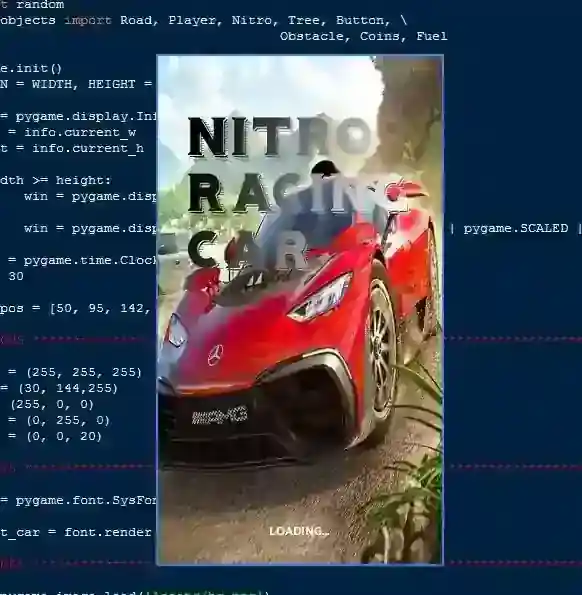
The Nitro Racing Car Game is an interactive desktop application built entirely with Python using the Pygame library. The gameplay is fun and straightf...
Nitro Racing Car Game Using Pygame in Python with Source Code
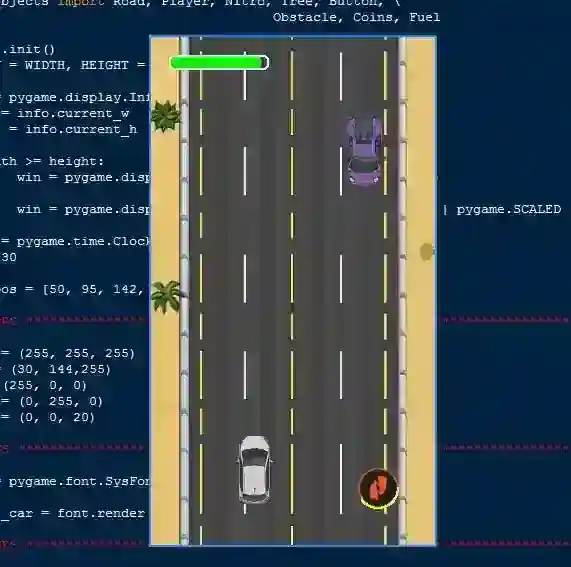
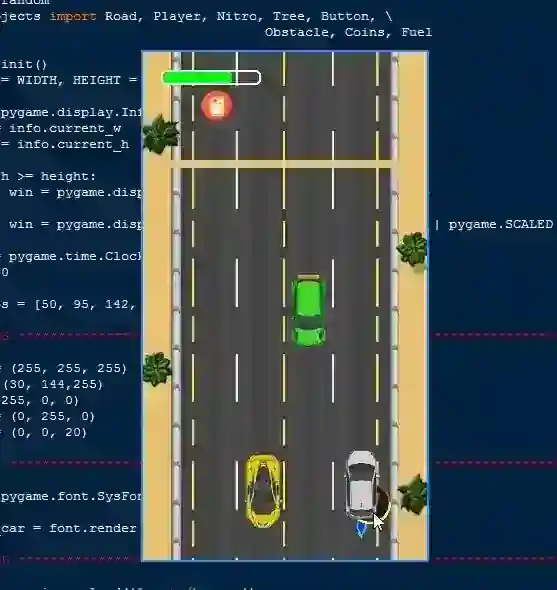
The Nitro Racing Car Game is an interactive desktop application built entirely with Python using the Pygame library. The gameplay is fun and straightforward—you control a racing car using keyboard bindings (Left Arrow Key to move left, Right Arrow Key to move right). The Nitro Racing Car Game in Pygame features classic racing mechanics where you drive along the road while avoiding obstacles, with the option to boost your speed by clicking the nitro icon. The game ends if you collide with any obstacle. This project is an excellent way to practice and reinforce essential programming concepts, making it a valuable exercise for enhancing your Python skills in game development. The Nitro Racing Car Game Using Pygame in Python with Source Code is free to be downloaded just read the content below for more info. This application is for educational purpose only. Nitro Racing Car Game Using Pygame in Python with Source Code Basic Information
Language used: Python Coding Tool used: Built-in Python IDLE Type: Desktop Application Database used: None
About Nitro Racing Car Game Nitro Racing Car Game Using Pygame is an exciting arcade-style racing game that challenges players to test their speed and reflexes. Developed with Python’s Pygame library, the game allows players to control a racing car as it speeds down a busy road filled with obstacles and other vehicles. Players must skillfully maneuver to avoid crashes while taking advantage of nitro boosts to gain extra speed and excitement. The gameplay becomes more challenging as the speed increases, keeping players engaged and on edge. With its simple controls, dynamic gameplay, and competitive scoring system, Nitro Racing Car Game offers a fun and thrilling experience for anyone who enjoys fast-paced racing challenges. Nitro Racing Car Game Using Pygame in Python with Source Code Features
Exciting Racing Gameplay
Player controls a racing car on a track filled with obstacles and traffic. Goal is to survive as long as possible while covering maximum distance. Fast-paced action that tests reflexes and focus.
Player Controls
Smooth keyboard controls for steering left and right. Nitro speed boost option for sudden acceleration. Responsive handling for precise movement.
Dynamic Obstacles & Traffic
Randomly spawning vehicles and barriers on the road. Increasing traffic density as the game progresses. Collision detection ends the game instantly.
Scoring System
Score increases based on distance traveled. Bonus points for using nitro or avoiding close obstacles. High score tracking for replay value.
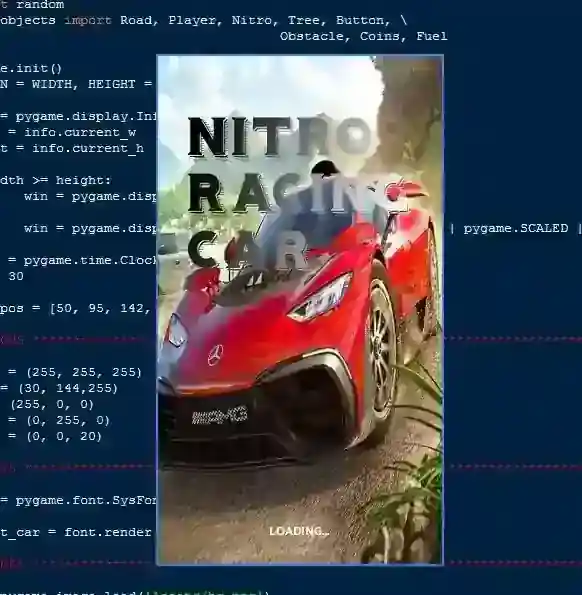
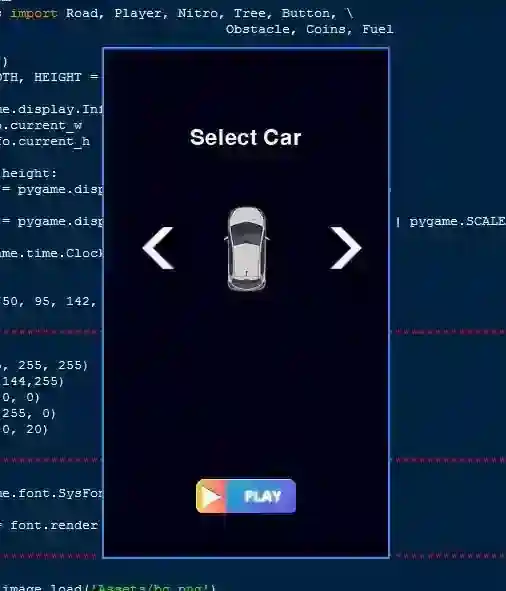
Sample Application Screenshot:
Nitro Racing Car Game Using Pygame in Python with Source Code Installation Guide
First you need to download & install the Python IDLE's, here's the link "https://www.python.org/downloads/". Download the source code in this site. Locate and Extract the zip file. Open the extracted folder Locate the py file. Then open the file via python IDLE or any IDE that supports python language. Run the py file to launch the program.
That's all, The Nitro Racing Car Game was created fully functional using JavaScript language. I hope that this project can help you to what you are looking for. For more projects and tutorials please kindly visit this site. Enjoy Coding! The Nitro Racing Car Game Using Pygame in Python with Source Code is ready to be downloaded just kindly click the download button below. Related Projects & Tutorials Nitro Racing Car Game
Screenshots
Download Project
