Pomodoro Clock Using Tkinter in Python with Source Code
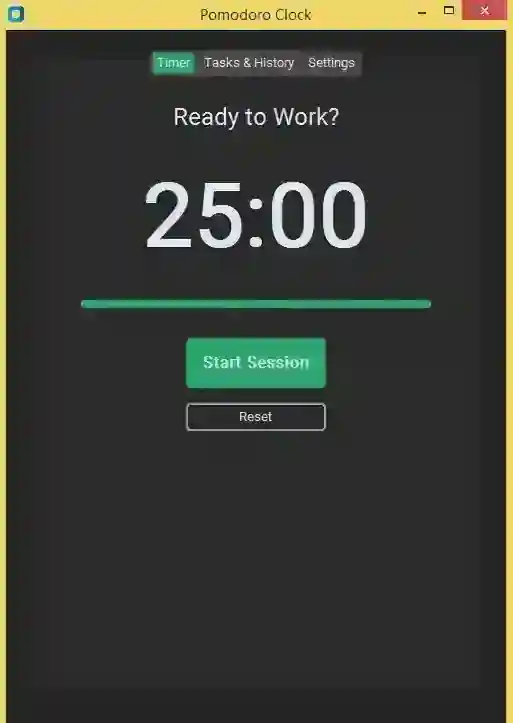
The Pomodoro Clock is an interactive desktop application built entirely with Python using the Tkinter library. The application is highly useful, allow...
Pomodoro Clock Using Tkinter in Python with Source Code
The Pomodoro Clock is an interactive desktop application built entirely with Python using the Tkinter library. The application is highly useful, allowing you to set timers for Pomodoro tasks. The Pomodoro Clock Using Tkinter features straightforward functionality that tracks the timer effectively. This project is an excellent opportunity to reinforce essential programming concepts, making it a valuable exercise for improving your Python skills in application development. The Pomodoro Clock Using Tkinter in Python with Source Code is free to be downloaded just read the content below for more info. This application is for educational purpose only. Pomodoro Clock Using Tkinter in Python with Source Code Basic Information
Language used: Python Coding Tool used: Built-in Python IDLE Type: Desktop Application Database used: None
About Pomodoro Clock The Pomodoro Clock using Tkinter is a desktop productivity application developed in Python using the Tkinter library, designed to help users manage their time more efficiently through the Pomodoro Technique. This technique breaks work into focused intervals—usually 25 minutes—followed by short breaks to maintain concentration and prevent burnout. The application features a clean and intuitive graphical user interface that allows users to easily start, pause, and reset the timer. It automatically cycles between work sessions and rest periods, often including longer breaks after a set number of completed sessions. Additionally, the program may display session progress, countdown visuals, and alerts or notifications when a timer ends. This project not only promotes better productivity and time management habits but also serves as an excellent learning tool for beginners, showcasing key concepts such as GUI design, event handling, and timer-based functionality in Python. Pomodoro Clock Using Tkinter in Python with Source Code Features
Graphical User Interface (GUI)
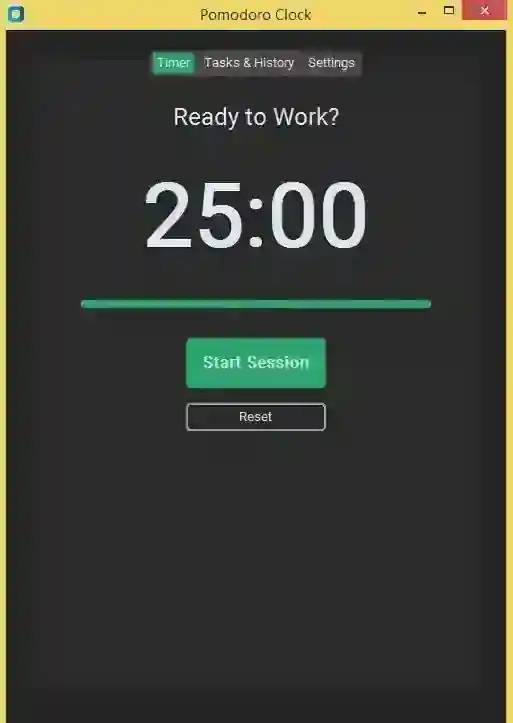
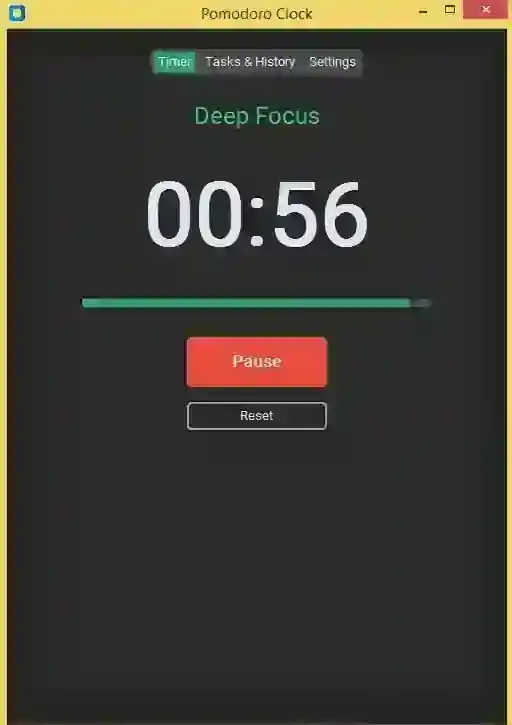
Built using Python’s Tkinter library. Simple, clean, and distraction-free design. Displays timer, session status, and control buttons. Uses labels, buttons, and canvas elements for layout.
Pomodoro Timer Functionality
Implements the Pomodoro Technique with timed intervals. Automatically switches between sessions.
Countdown Timer
Real-time countdown displayed in minutes and seconds.
Updates every second using Tkinter’s after() method.
Visual indication when time reaches zero.
Sample Application Screenshot:
Pomodoro Clock Installation Guide
First you need to download & install the Python IDLE's, here's the link "https://www.python.org/downloads/". Download the source code in this site. Locate and Extract the zip file. Open the extracted folder Locate the py file. Then open the file via python IDLE or any IDE that supports python language. Run the py file to launch the program.
That's all, The Pomodoro Clock was created fully functional using JavaScript language. I hope that this project can help you to what you are looking for. For more projects and tutorials please kindly visit this site. Enjoy Coding! The Pomodoro Clock Using Tkinter in Python with Source Code is ready to be downloaded just kindly click the download button below. Related Projects & Tutorials Pomodoro Clock
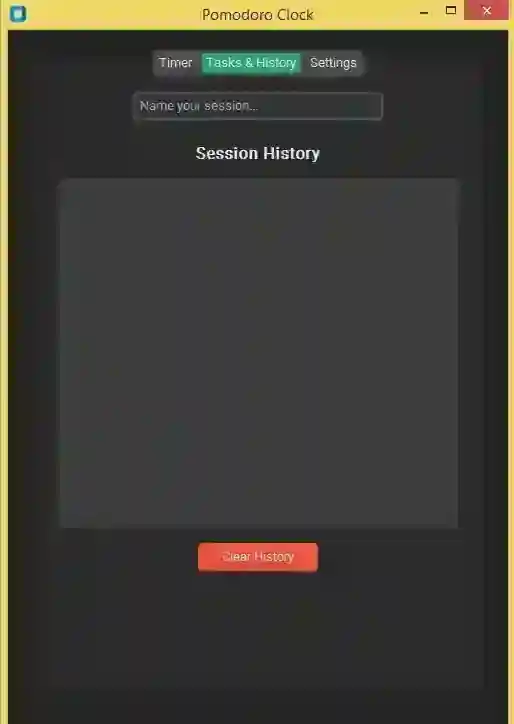
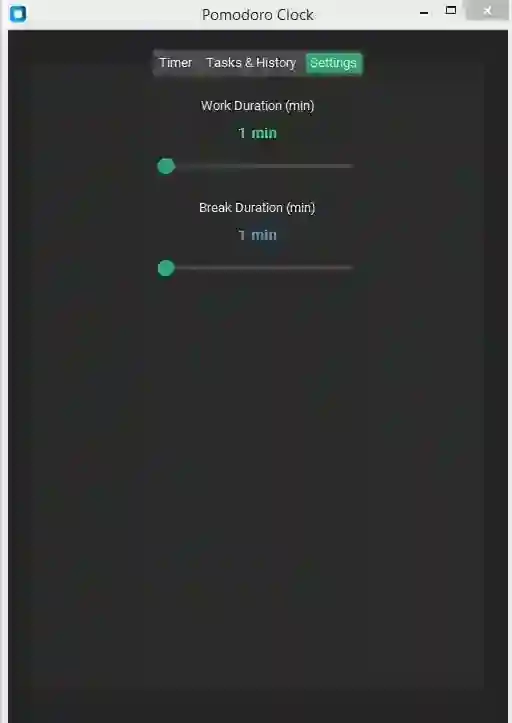
Screenshots
Download Project
