Pong Game with AI Opponent Using Python Turtle with Source Code
The Pong Game with AI Opponent is an interactive desktop application built entirely with Python using the Turtle library. The gameplay is simple—it's ...
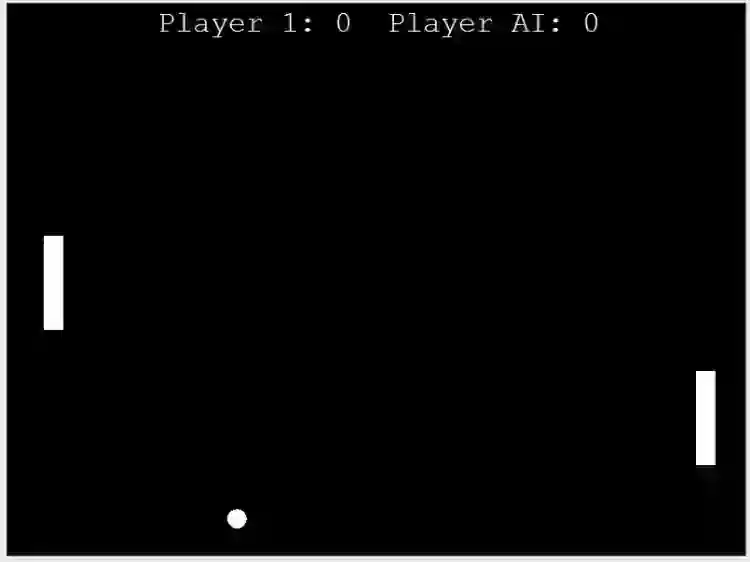
Pong Game with AI Opponent Using Python Turtle with Source Code
The Pong Game with AI Opponent is an interactive desktop application built entirely with Python using the Turtle library. The gameplay is simple—it's a clone of the classic pong game from atari where you need a paddle to bounce back the ball. The Pong Game with AI Opponent Using Python Turtle features straightforward game mechanics that need keyboard binding to control the paddle. This project offers an excellent opportunity to reinforce essential programming concepts, making it a valuable exercise for improving your Python skills in game development. The Pong Game with AI Opponent Using Python Turtle with Source Code is free to be downloaded just read the content below for more info. This application is for educational purpose only. Pong Game with AI Opponent Using Python Turtle with Source Code Basic Information
Language used: Python Coding Tool used: Built-in Python IDLE Type: Desktop Application Database used: None
About Pong Game with AI Opponent The Pong Game with AI Opponent Using Python Turtle is a modern take on the classic arcade game, developed using Python's built-in Turtle graphics module. In this version, the player controls one paddle using keyboard inputs, while the other paddle is operated by a simple AI that automatically tracks the ball's movement and attempts to return it. The game includes core mechanics such as ball movement, collision detection with walls and paddles, and a scoring system. The AI logic is designed to provide a moderate challenge, making the game engaging for beginners learning how to build interactive applications. This project is ideal for those who want to explore basic game development concepts, understand 2D animation with Turtle, and implement simple artificial intelligence behavior in Python. Pong Game with AI Opponent Using Python Turtle with Source Code Features
Single-Player Mode with AI
Play against a computer-controlled paddle that tracks the ball's position.
Smooth Ball Physics
Ball bounces off walls and paddles realistically with adjustable speed.
Score Tracking System
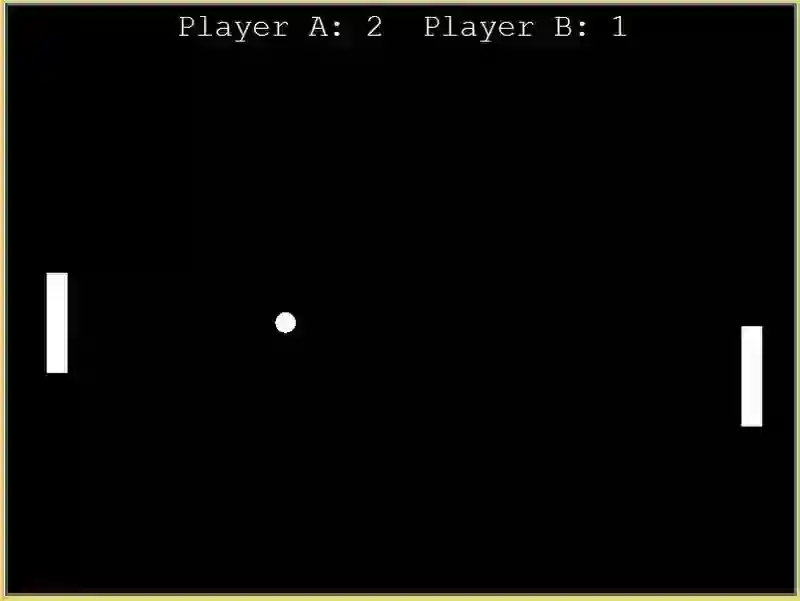
Real-time score updates displayed at the top of the game window.
Sample Application Screenshot:
Pong Game with AI Opponent Using Python Turtle with Source Code Installation Guide
First you need to download & install the Python IDLE's, here's the link "https://www.python.org/downloads/". Download the source code in this site. Locate and Extract the zip file. Open the extracted folder Locate the py file. Then open the file via python IDLE or any IDE that supports python language. Run the py file to launch the program.
That's all, The Pong Game with AI Opponent was created fully functional using JavaScript language. I hope that this project can help you to what you are looking for. For more projects and tutorials please kindly visit this site. Enjoy Coding! The Pong Game with AI Opponent Using Python Turtle with Source Code is ready to be downloaded just kindly click the download button below. Related Projects & Tutorials Pong Game with AI Opponent
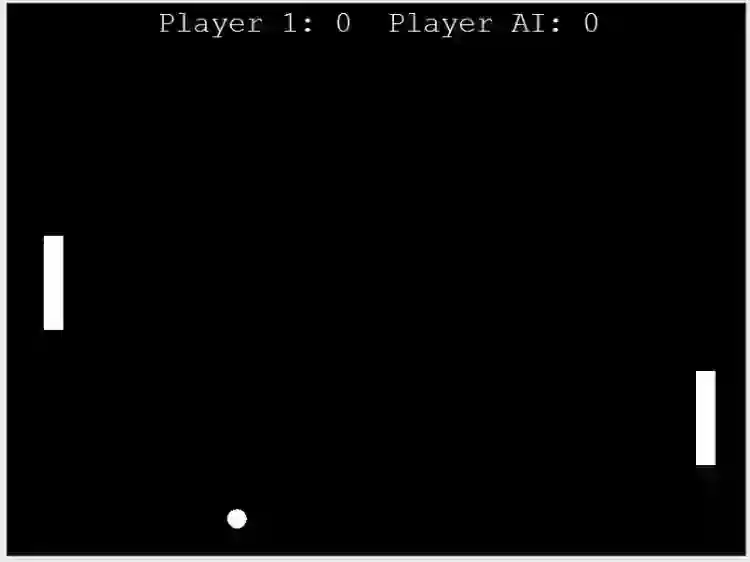
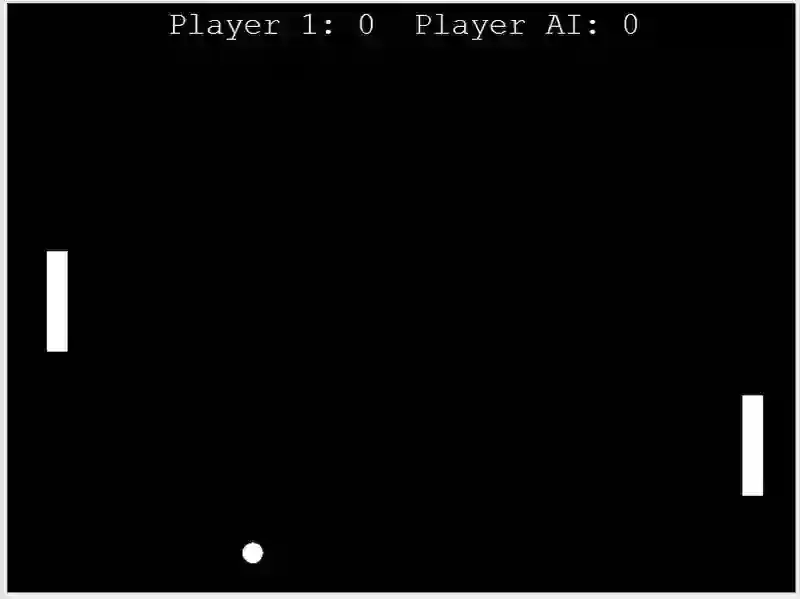
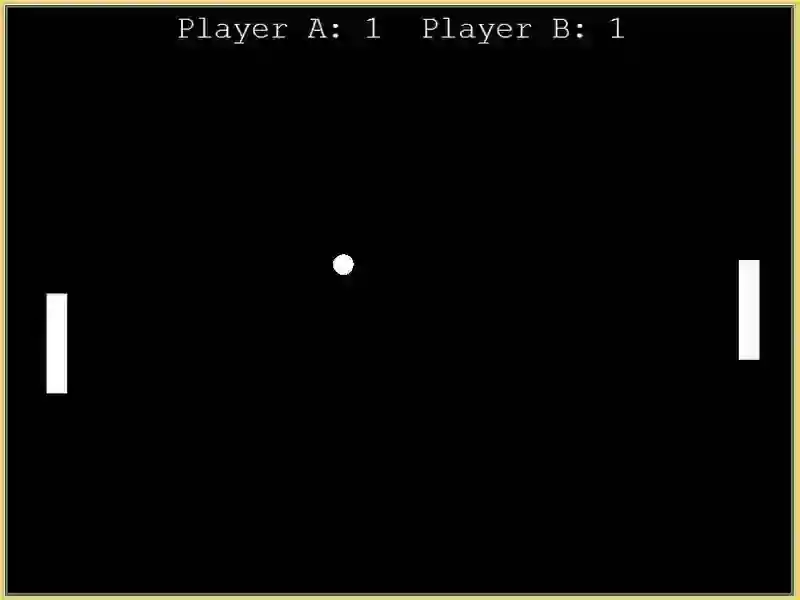
Screenshots
Download Project
