Sorting Visualizer App Using Tkinter in Python with Source Code
The Sorting Visualizer App is an interactive desktop application built entirely with Python using the Tkinter library. The application is simple and a...
Sorting Visualizer App Using Tkinter in Python with Source Code
The Sorting Visualizer App is an interactive desktop application built entirely with Python using the Tkinter library. The application is simple and allows users to visualize sorting algorithms. The Sorting Visualizer App Using Tkinter in Python includes tools that provide a full breakdown of the sorting process. This project is an excellent way to practice and reinforce essential programming concepts, making it a valuable exercise for enhancing your Python skills in application development. The Sorting Visualizer App Using Tkinter in Python with Source Code is free to be downloaded just read the content below for more info. This application is for educational purpose only. Sorting Visualizer App Using Tkinter in Python with Source Code Basic Information
Language used: Python Coding Tool used: Built-in Python IDLE Type: Desktop Application Database used: None
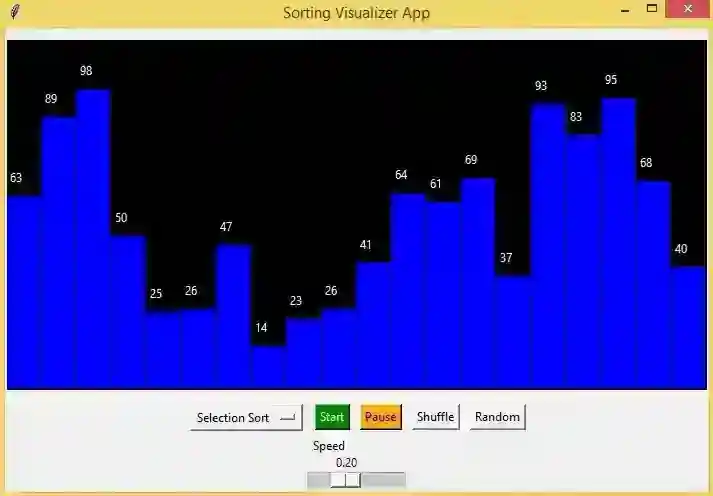
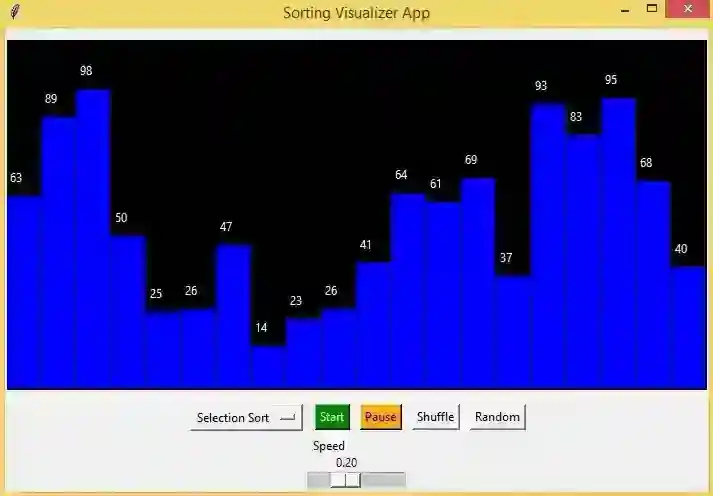
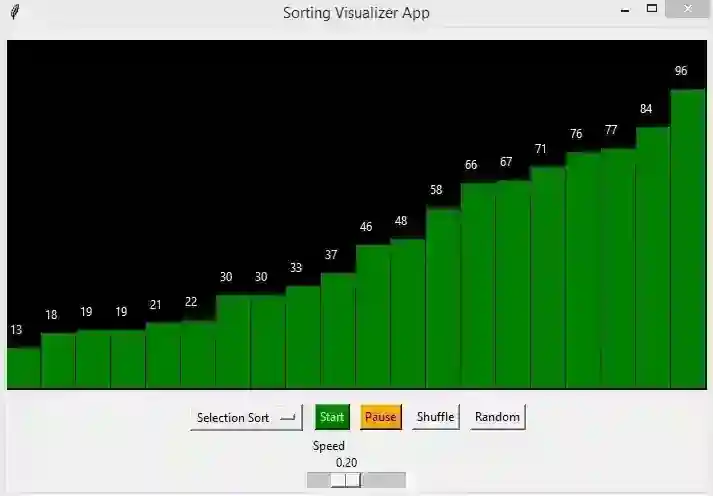
About Sorting Visualizer App The Sorting Visualizer App Using Tkinter is a user-friendly desktop application developed in Python that provides a clear and interactive way to understand how sorting algorithms operate internally. The application represents array elements as vertical bars whose heights correspond to their values, and as the sorting process runs, users can visually observe comparisons, swaps, and movements in real time. It typically includes multiple sorting algorithms such as Bubble Sort, Selection Sort, Insertion Sort, and sometimes Merge Sort or Quick Sort, allowing users to compare their behavior and performance. With controls to adjust array size, sorting speed, and algorithm selection, the app makes abstract algorithm concepts more intuitive and engaging. This project is especially useful for students and beginners studying data structures and algorithms, as it bridges the gap between theoretical knowledge and practical visualization through an interactive graphical interface built using Tkinter. Sorting Visualizer App Using Tkinter in Python with Source Code Features
Graphical User Interface (GUI)
Developed using Tkinter for a clean and interactive desktop interface. Visual canvas to display array elements as bars or blocks. Intuitive layout with controls placed for easy access.
Sorting Algorithm Visualization
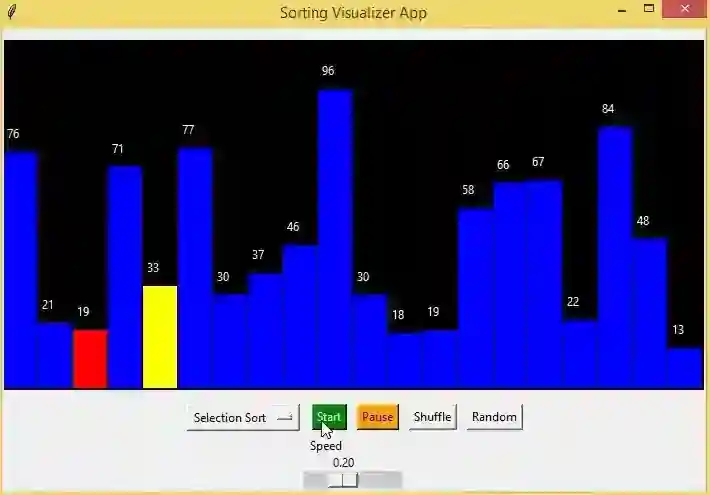
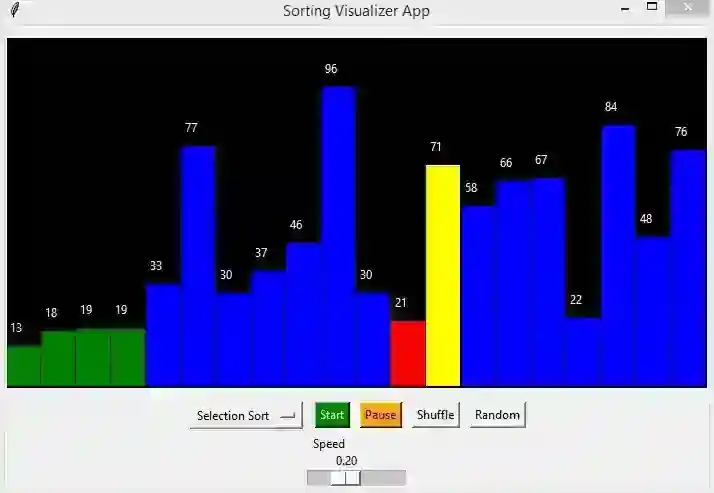
Real-time visualization of sorting processes step by step. Highlights comparisons and swaps using color changes. Smooth animation to help users understand algorithm behavior.
Multiple Sorting Algorithms
Includes popular algorithms such as Bubble Sort, Selection Sort, Insertion Sort, Merge Sort, and Quick Sort. Easy switching between algorithms using dropdown menus or buttons. Consistent visualization style across all algorithms.
Array Generation and Customization
Generate random arrays with adjustable size. Option to shuffle or reset the array at any time. Customizable array values for experimentation.
Sample Application Screenshot:
Sorting Visualizer App Using Tkinter in Python with Source Code Installation Guide
First you need to download & install the Python IDLE's, here's the link "https://www.python.org/downloads/". Download the source code in this site. Locate and Extract the zip file. Open the extracted folder Locate the py file. Then open the file via python IDLE or any IDE that supports python language. Run the py file to launch the program.
That's all, The Sorting Visualizer App was created fully functional using Python language. I hope that this project can help you to what you are looking for. For more projects and tutorials please kindly visit this site. Enjoy Coding! The Sorting Visualizer App Using Tkinter in Python with Source Code is ready to be downloaded just kindly click the download button below. Related Projects & Tutorials Sorting Visualizer App
Screenshots
Download Project
