Spritesheet Cutter App Using Tkinter in Python with Source Code
The Spritesheet Cutter App is an interactive desktop application built entirely with Python using the tkinter library. The application is simple yet e...

Spritesheet Cutter App Using Tkinter in Python with Source Code
The Spritesheet Cutter App is an interactive desktop application built entirely with Python using the tkinter library. The application is simple yet effective, demonstrating a function that allows you to slice a spritesheet into individual frames. The Spritesheet Cutter App Using Tkinter features multiple options for customizing how the spritesheet is divided, giving users flexibility in extracting sprite elements. This project is an excellent way to practice and reinforce essential programming concepts, making it a valuable exercise for enhancing your Python skills in game development. The Spritesheet Cutter App Using Tkinter in Python with Source Code is free to be downloaded just read the content below for more info. This application is for educational purpose only. Spritesheet Cutter App Using Tkinter in Python with Source Code Basic Information
Language used: Python Coding Tool used: Built-in Python IDLE Type: Desktop Application Database used: None
About Spritesheet Cutter App The Spritesheet Cutter App Using Tkinter is a handy Python application designed to simplify the process of slicing spritesheets into individual image frames. Using the Tkinter library for its graphical interface, the app provides an intuitive and user-friendly way to load a spritesheet, define the number of rows and columns, and automatically extract each sprite from the sheet. This eliminates the need for manual image editing and ensures precise, evenly cut frames. It’s especially useful for game developers, digital artists, and designers who work with 2D animations, character movements, or tile-based assets. With the ability to save the extracted sprites as separate image files, this tool streamlines asset preparation, making it quicker and more efficient to integrate graphics into games or creative projects. Spritesheet Cutter App Using Tkinter in Python with Source Code Features
User Interface (UI)
Built using Tkinter, Python’s standard GUI library. Simple and user-friendly layout for easy navigation. File menu options for loading and saving spritesheets. Preview area to display the loaded spritesheet.
Spritesheet Handling
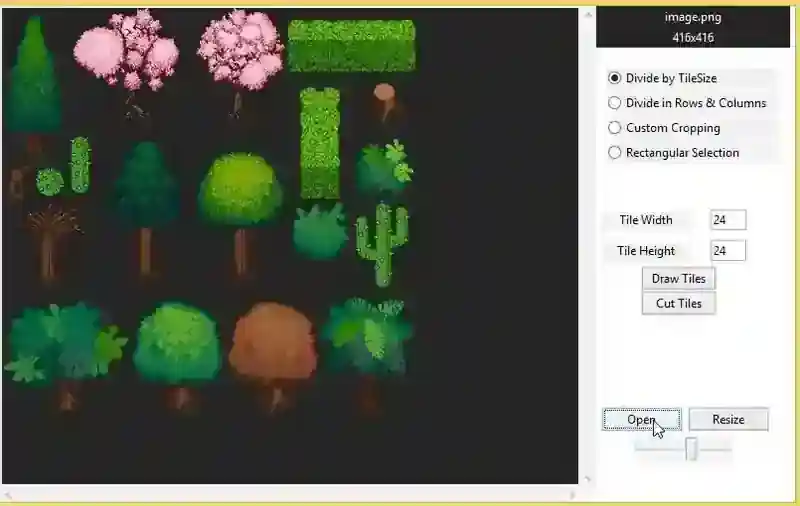
Load and display spritesheet images in common formats (PNG, JPG, etc.). Select rows and columns to define sprite dimensions. Cut sprites into individual frames automatically Preview of individual sprites before saving.
Cutting Features
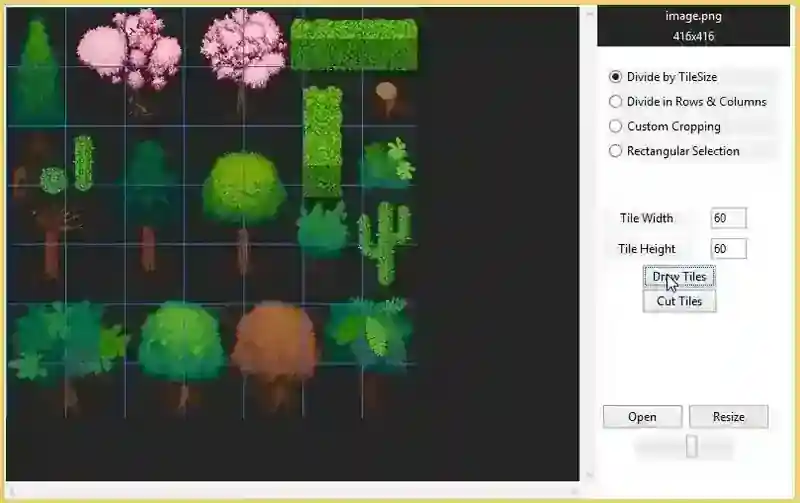
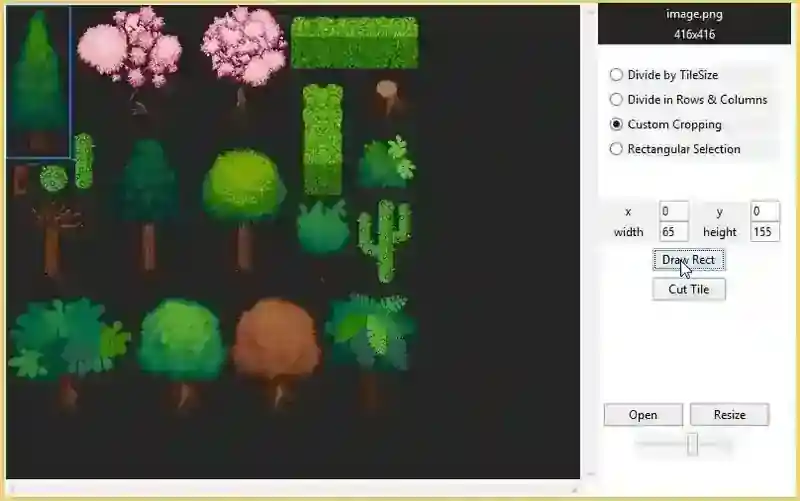
Supports both fixed grid slicing (equal-sized tiles). Adjustable sprite width and height input fields. Option to extract and save all frames at once. Ability to save individual sprites separately.
File Management
Save extracted sprites as image files (PNG/JPG). Organize output into folders for better project management. Easy integration into game development workflows.
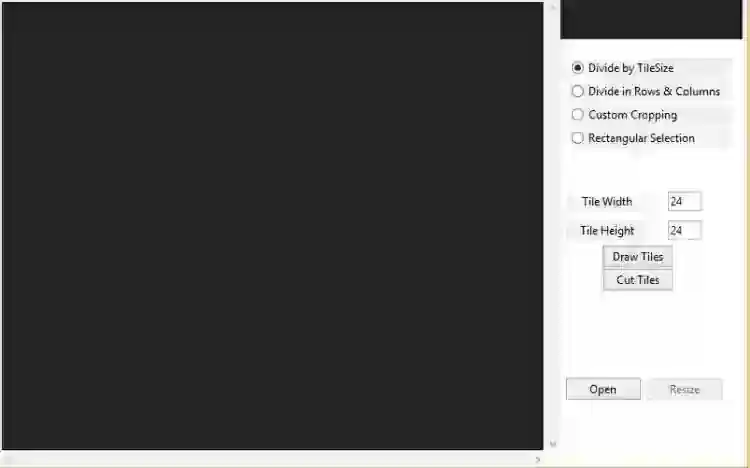
Sample Application Screenshot:
Spritesheet Cutter App Using Tkinter in Python with Source Code Installation Guide
First you need to download & install the Python IDLE's, here's the link "https://www.python.org/downloads/". Download the source code in this site. Locate and Extract the zip file. Open the extracted folder Locate the py file. Then open the file via python IDLE or any IDE that supports python language. Run the py file to launch the program.
That's all, The Spritesheet Cutter App was created fully functional using JavaScript language. I hope that this project can help you to what you are looking for. For more projects and tutorials please kindly visit this site. Enjoy Coding! The Spritesheet Cutter App Using Tkinter in Python with Source Code is ready to be downloaded just kindly click the download button below. Related Projects & Tutorials Spritesheet Cutter App
Screenshots
Download Project
