Sticky Notes App Using Tkinter in Python with Source Code
The Sticky Notes App is an interactive desktop application built entirely with Python using the Tkinter library. The application is simple yet effecti...

Sticky Notes App Using Tkinter in Python with Source Code
The Sticky Notes App is an interactive desktop application built entirely with Python using the Tkinter library. The application is simple yet effective, demonstrating how to create and manage sticky notes. The Sticky Notes App Using Tkinter features multiple options, including adding new notes, formatting text, and organizing notes in a tray. This project is an excellent way to practice and reinforce essential programming concepts, making it a valuable exercise for enhancing your Python skills in application development. The Sticky Notes App Using Tkinter in Python with Source Code is free to be downloaded just read the content below for more info. This application is for educational purpose only. Sticky Notes App Using Tkinter in Python with Source Code Basic Information
Language used: Python Coding Tool used: Built-in Python IDLE Type: Desktop Application Database used: JSON
About Sticky Notes App The Sticky Notes App Using Tkinter is a user-friendly desktop application developed with Python’s Tkinter library that helps users manage their daily tasks and reminders efficiently. The app allows users to create, edit, and delete multiple sticky notes, each of which can be customized with different background colors to enhance organization and visual appeal. Notes are saved locally, ensuring that important information is preserved even after closing the application. With its simple and intuitive interface, the app provides a convenient way to jot down quick reminders, ideas, or to-do lists, making it an ideal productivity tool for students, professionals, or anyone looking to stay organized. Sticky Notes App Using Tkinter in Python with Source Code Features
Graphical User Interface (GUI)
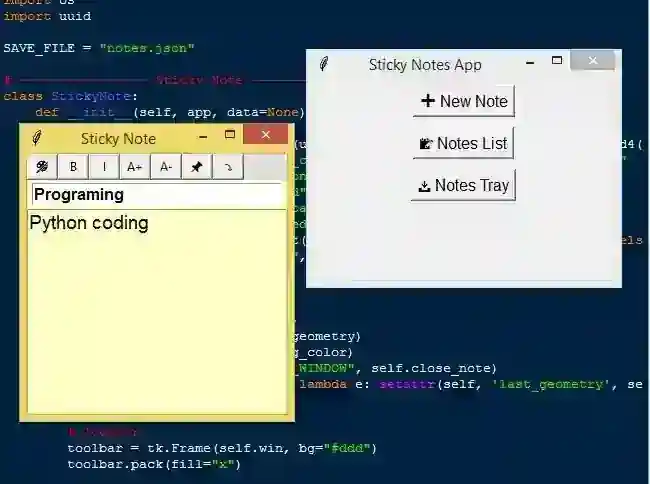
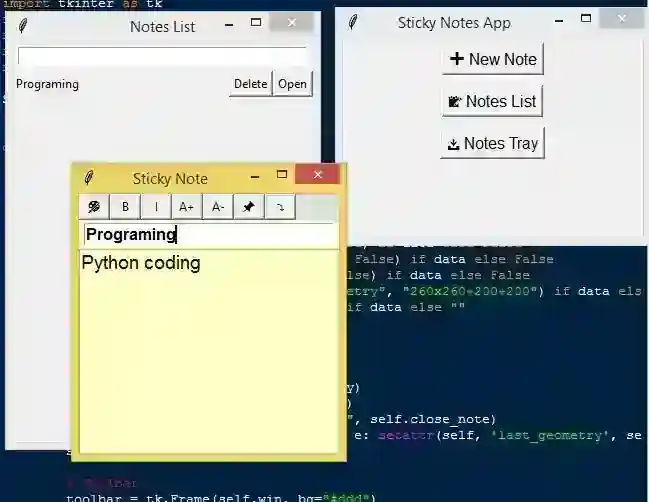
Built with Tkinter for a clean and interactive interface. Simple layout allowing users to create, view, and manage notes. Each note appears as a separate draggable and resizable window.
Create and Delete Notes
Users can add new sticky notes easily. Notes can be deleted individually when no longer needed. Provides a minimalistic approach for quick note-taking.
Customizable Notes
Users can change background color of individual notes. Supports selecting colors via a color picker dialog. Helps differentiate notes and improves organization.
Text Editing Features
Users can enter and edit text in each note. Supports multiline notes for detailed information. Simple formatting options such as font size and style selection.
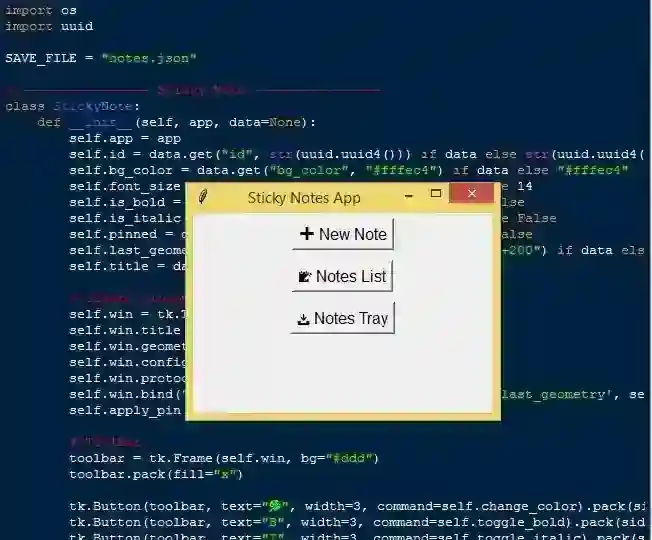
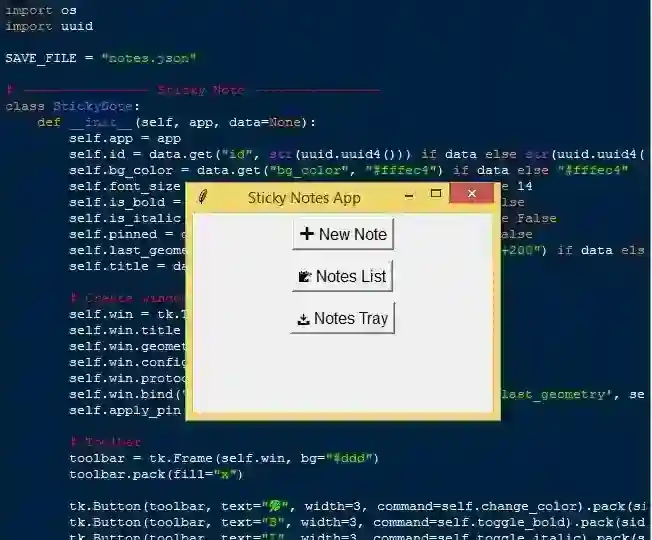
Sample Application Screenshot:
Sticky Notes App Using Tkinter in Python with Source Code Installation Guide
First you need to download & install the Python IDLE's, here's the link "https://www.python.org/downloads/". Download the source code in this site. Locate and Extract the zip file. Open the extracted folder Locate the py file. Then open the file via python IDLE or any IDE that supports python language. Run the py file to launch the program.
That's all, The Sticky Notes App was created fully functional using JavaScript language. I hope that this project can help you to what you are looking for. For more projects and tutorials please kindly visit this site. Enjoy Coding! The Sticky Notes App Using Tkinter in Python with Source Code is ready to be downloaded just kindly click the download button below. Related Projects & Tutorials Sticky Notes App
Screenshots
Download Project
