Ticket Reservation System Using SQLite and Tkinter in Python with Source Code
The Ticket Reservation System is an interactive desktop application built entirely with Python using the Tkinter library. The application allows users...
Ticket Reservation System Using SQLite and Tkinter in Python with Source Code
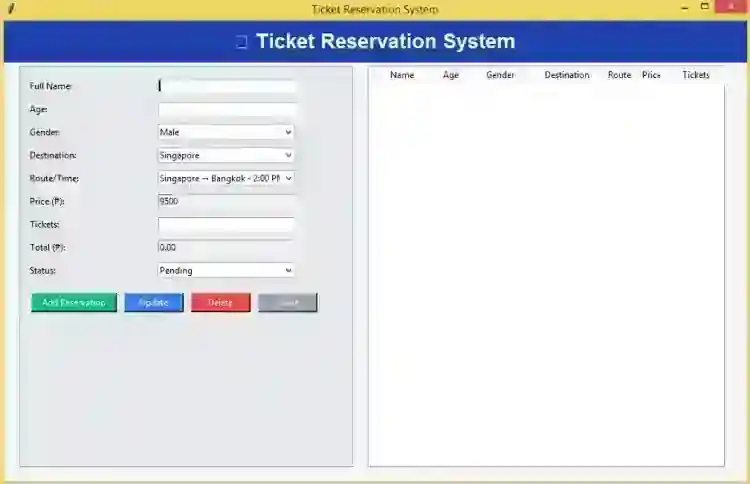
The Ticket Reservation System is an interactive desktop application built entirely with Python using the Tkinter library. The application allows users to manage ticket records through a graphical user interface (GUI) with full CRUD (Create, Read, Update, Delete) functionality. The Ticket Reservation System Using SQLite and Tkinter also provides an option to export records. This project is an excellent way to practice and reinforce essential programming concepts, making it a valuable exercise for enhancing your Python skills in application development. The Ticket Reservation System Using SQLite and Tkinter in Python with Source Code is free to be downloaded just read the content below for more info. This application is for educational purpose only. Ticket Reservation System Using SQLite and Tkinter in Python with Source Code Basic Information
Language used: Python Coding Tool used: Built-in Python IDLE Type: Desktop Application Database used: SQLite
About Ticket Reservation System The Ticket Reservation System Using SQLite and Tkinter in Python is a comprehensive desktop application designed to simplify the process of managing ticket bookings. Built with Python's Tkinter library, it provides a user-friendly graphical interface that allows users to easily create, view, update, and delete reservations. All reservation data is securely stored in an SQLite database, ensuring reliability and efficient data management. The system also includes features such as searching for specific bookings, exporting records for reporting purposes, and validating inputs to prevent errors. Ideal for small businesses or transport services, this application streamlines ticket handling, reduces manual paperwork, and enhances overall booking efficiency. Ticket Reservation System Using SQLite and Tkinter in Python with Source Code Features
User Interface (UI)
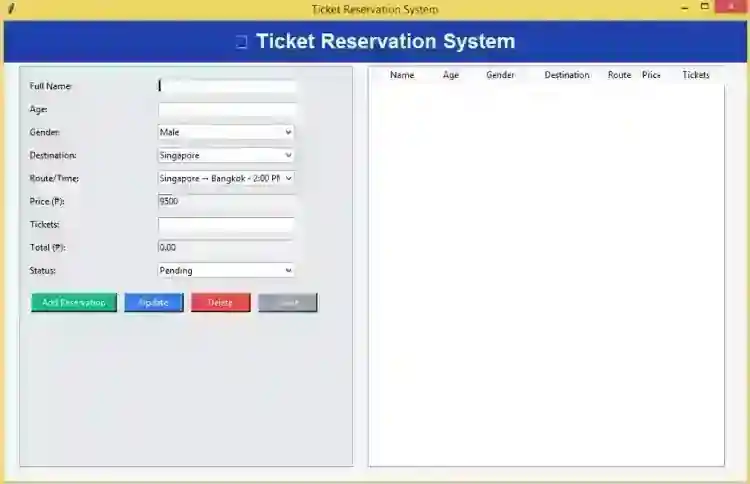
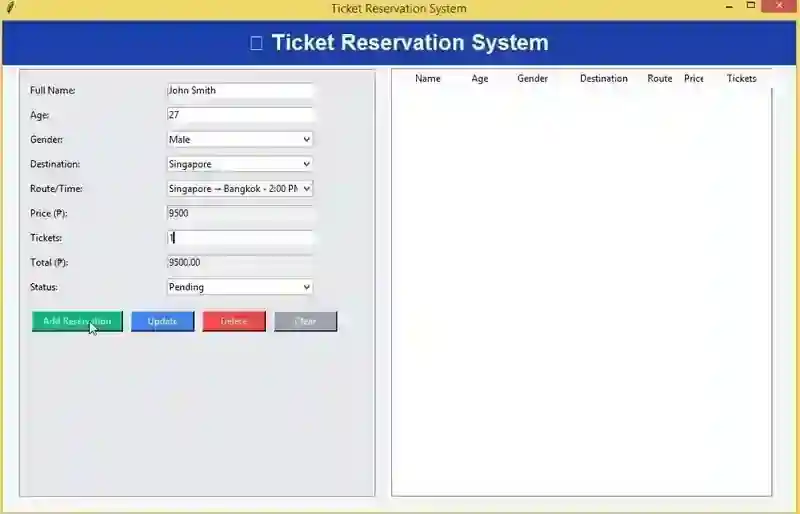
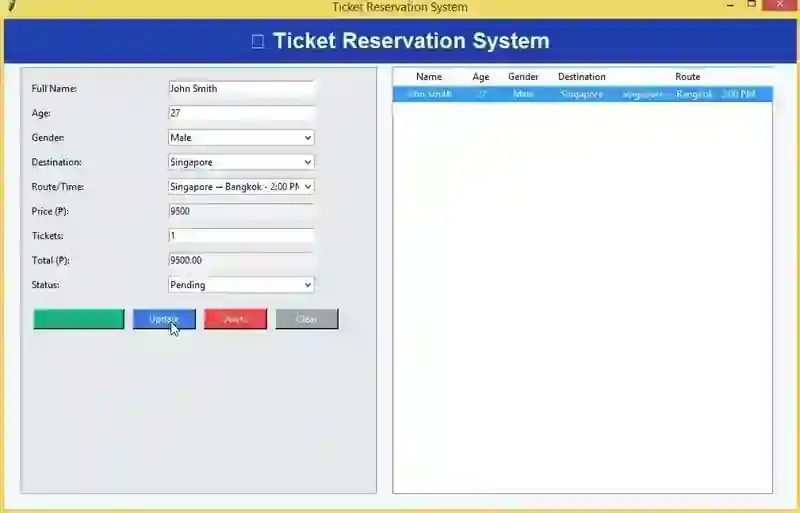
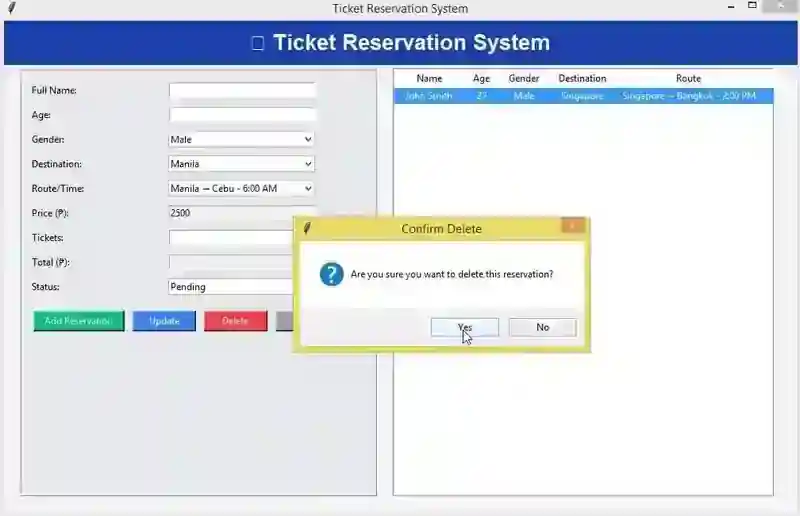
Built with Tkinter for a clean and user-friendly desktop interface. Input forms for Passenger Name, Contact, Destination, Route/Time, and Ticket Details. Treeview table to display all ticket reservations clearly. Buttons for actions like Add, Update, Delete, Clear, and Search. Responsive layout with clear labels and entry fields.
Database Integration
Uses SQLite to store ticket reservation data locally. Automatically creates the database and tables if they don’t exist. Supports CRUD operations — Create, Read, Update, and Delete reservations. Ensures data persistence for long-term record keeping.
Ticket Booking Features
Users can add new reservations with passenger and travel details. Update existing reservations when changes occur. Delete reservations with a confirmation prompt to prevent accidental loss. Clear all input fields easily for new entries.
Route and Destination Management
Predefined list of destinations and corresponding route/time options. Ensures route/time selection is consistent with the chosen destination. Avoids conflicts between route/time and destination. Can be extended to add more routes or destinations dynamically.
Sample Application Screenshot:
Ticket Reservation System Using SQLite and Tkinter in Python with Source Code Installation Guide
First you need to download & install the Python IDLE's, here's the link "https://www.python.org/downloads/". Download the source code in this site. Locate and Extract the zip file. Open the extracted folder Locate the py file. Then open the file via python IDLE or any IDE that supports python language. Run the py file to launch the program.
That's all, The Ticket Reservation System was created fully functional using Python language. I hope that this project can help you to what you are looking for. For more projects and tutorials please kindly visit this site. Enjoy Coding! The Ticket Reservation System Using SQLite and Tkinter in Python with Source Code is ready to be downloaded just kindly click the download button below. Related Projects & Tutorials Ticket Reservation System
Screenshots
Download Project
