Video Transcription Video Application using Python Source Code Free Download
This project is titled Video Transcription Option. The provided code establishes a PySimpleGUI window featuring an input field for choosing an MP4 vid...
Video Transcription Video Application using Python Source Code Free Download
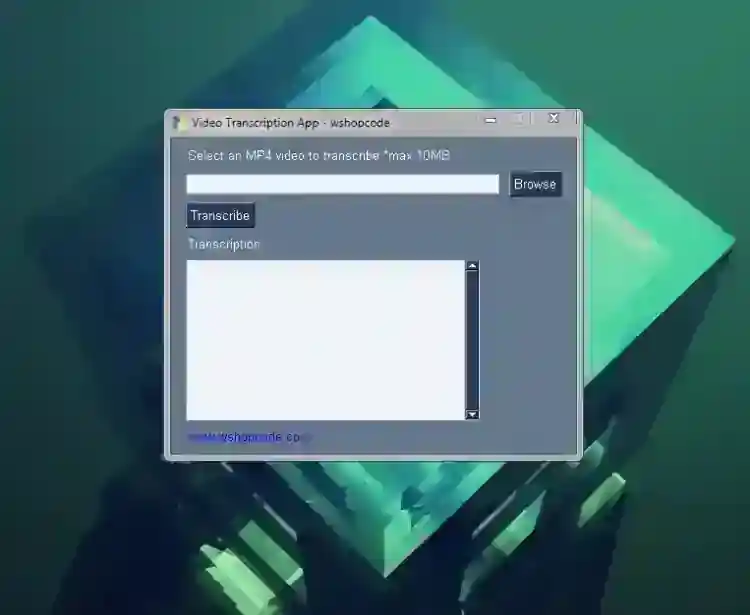
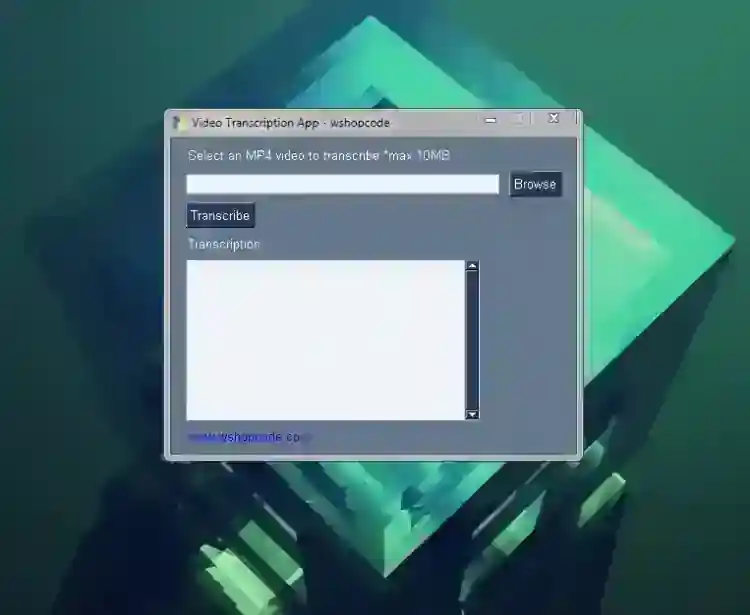
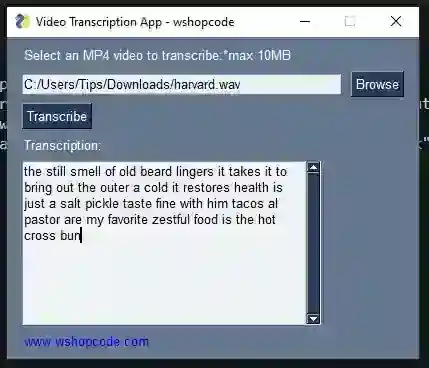
This project is titled Video Transcription Option. The provided code establishes a PySimpleGUI window featuring an input field for choosing an MP4 video file, a "Transcribe" button for initiating the transcription process, and an area to display the transcript. Upon selecting a video and clicking "Transcribe," the code will exhibit the transcription within the graphical user interface (GUI). It's important to ensure that error cases are appropriately handled, as exemplified in the code. Transcribing refers to the process of converting spoken speech into text or written form from audio or video content. Nowadays, there are numerous of software applications that make this process much easier. Some transcription software applications are developed using the Python programming language. Additionally, there are counter applications or software solutions available today known as Text-to-Speech softwares or applications, which are designed to convert text into audio files. How to Use? This Python Video Transcription Application is user-friendly. To transcribe a video file, simply follow these steps:
Input the Video File Path in the provided text box or use the file browsing feature. Click the "Transcribe" button to initiate the transcription process. Wait for the transcription text to appear in the provided text area or field.
How Run? To run this Video Transcription App, please follow the instructions below:
Download Python onto your device. Download the provided zip file. (The download button is located below this article) Extract the source code file. Open your terminal or command prompt. Install the following Python Modules:
PySimpleGUI SpeechRecognition Pydub
Execute the following code in your terminal or command prompt to run the application: python [directory_location]/transcribeapp.py or python3 [directory_location]/transcribeapp.py
This application is straightforward, meaning it doesn't require any login credentials to access the transcription process. DEMO Video
And there you have it! I hope that this Python Video Transcription Application will assist you in achieving your goals, and that you'll discover valuable insights within the source code for your current and future projects using the Python programming language. For more insights into various programming languages, explore this website for Free Source Codes, Tutorials, and Articles. Enjoy =)
Screenshots
Download Project
